

Color plays a significant role in design, communication, and usability. Whether you’re creating a website, designing a user interface, or crafting a presentation, the color combination you choose can directly affect the viewer’s experience. One of the most notorious pairings in terms of design criticism is yellow background with white text — a visually vibrant but often frustrating duo.
Contents
TLDR: Yellow with White Text – Readability Issues
A yellow background combined with white text is a high-risk choice in terms of design readability. This pairing lacks sufficient contrast, making it difficult for most users to comfortably read the text. It can severely affect accessibility and user experience, especially for those with visual impairments. Alternative color pairings with stronger contrast are highly recommended.
Why Contrast Matters
When it comes to text readability, one of the primary factors is color contrast. High contrast between text and background colors ensures that fonts are legible and that users don’t have to strain their eyes. This concept is at the heart of accessible design, which aims to make digital content usable for as many people as possible—including those with visual impairments, color blindness, and other disabilities.
The Web Content Accessibility Guidelines (WCAG) recommend a minimum contrast ratio of 4.5:1 for standard text and 3:1 for large text. Unfortunately, yellow with white text often falls well below these thresholds, especially if the yellow used is bright or neon.
The Problem with Yellow and White
At first glance, yellow might look cheerful and energetic—a color often associated with sunshine, positivity, and warmth. While these associations may be appealing, pairing yellow with white text results in insufficient contrast that can make text difficult—if not impossible—to read. Here’s why:
- Low Luminance Contrast: White and yellow are both light colors, especially when bright shades are used. This creates a low difference in luminance, which the human eye uses to distinguish shapes and forms.
- Color Perception Limits: Human perception of yellow is already on the higher end of the brightness scale. Adding white text means there’s very little differentiation in brightness for our eyes to register.
- Accessibility Violation: This combination typically violates WCAG guidelines, meaning it’s unsuitable for inclusive design.
How Vision Plays a Role
Different individuals perceive color in different ways. For example:
- Older adults often need higher contrast between text and background due to age-related decline in visual acuity.
- Colorblind users don’t necessarily struggle more with yellow and white, but the low contrast still makes it hard to read.
- People with low vision often depend on strong contrast and clear text outlines to comprehend content.
Because of these factors, designers must exercise caution and focus on inclusive readability standards.
Psychological Appeal vs Practical Limitations
On a psychological level, yellow evokes feelings of happiness, optimism, and clarity. Designers often use it to draw attention or elicit a cheerful emotional response. However, these benefits are purely visual and emotional; they do not compensate for practical readability concerns. There is a critical difference between catching someone’s attention and actually allowing them to understand the message.

Too often, inexperienced designers choose this color combination because it looks “bright” or “interesting” in a preliminary design mockup. But what appears appealing visually doesn’t always translate into effective readability when implemented across different screen devices, lighting conditions, or user preferences.
Usability Testing Tells the Story
Studies and usability tests have often shown that yellow backgrounds with white text lead to:
- Increased reading difficulty, even among users with normal vision.
- Faster eye fatigue when reading for prolonged periods.
- Higher bounce rates on websites using such combinations, as users tend to leave pages they find difficult to read quickly.
- Negative user feedback regarding difficulty and frustration.
Design should guide the user, not create hurdles. And yet, this color choice does just that — it becomes a barrier.
The Science of Contrast Ratios
Contrast ratio is calculated based on the luminance values of text and background colors. A commonly used formula involves the relative luminance of the two colors and calculates the difference between them. Here’s what happens when you calculate the contrast ratio for yellow and white:
Assume:
- Bright yellow: #FFFF00 has a luminance value close to 0.9278
- White: #FFFFFF has a luminance value of 1
Using the WCAG contrast formula:
Contrast Ratio = (L1 + 0.05) / (L2 + 0.05)
Where L1 is the lighter color and L2 is the darker
We get:
(1 + 0.05) / (0.9278 + 0.05) ≈ 1.05
This is significantly below the acceptable minimum of 4.5, clearly indicating that the white text on a yellow background is not a viable choice if readability is a concern.
Design Alternatives That Work
You don’t have to abandon yellow background altogether—just pair it with a darker text color for better contrast. Here are some viable combinations:
- Yellow background + Black text: Very high contrast, widely used in warning signs and traffic signals.
- Yellow background + Dark blue text: A softer yet effective contrast that meets accessibility standards.
- Dark yellow or mustard background + White text: Works if the background is sufficiently muted or darkened.
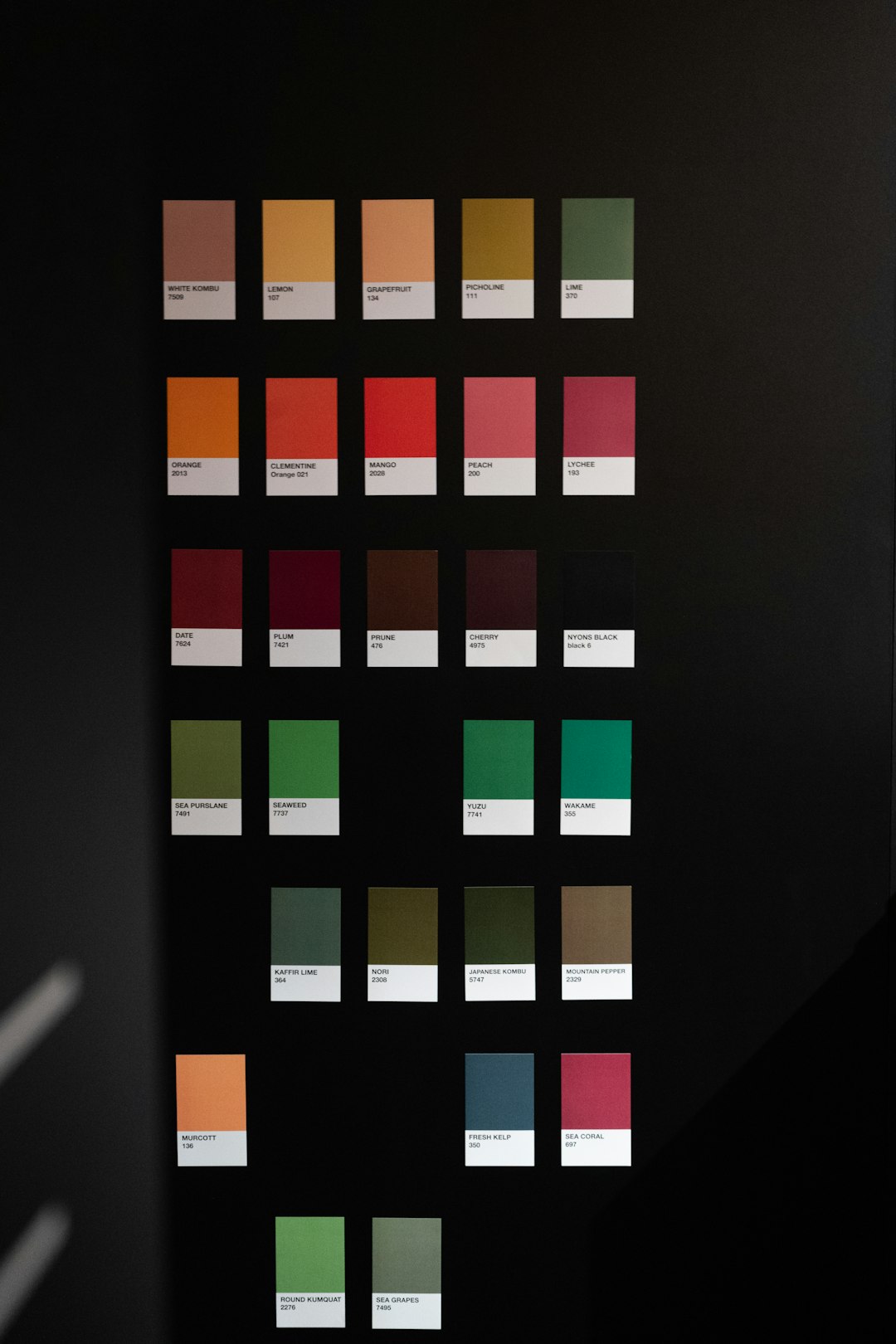
Also, consider using bold fonts and larger text sizes to enhance visibility, especially if you’re restrained to a lighter background for branding purposes.
When Might White on Yellow Work?
There are rare cases where this pairing could be acceptable:
- Very large font size, such as signage or billboards, where text is bold and minimal.
- Brief uses such as single words or short phrases where user scanning rather than reading is intended.
- Ambient light conditions where other contrast-enhancing techniques are in place.
Even in these conditions, designers should use caution. Supplementing with outlines, shadows, or bordering may help, but still won’t match the clarity of higher-contrast options.
Best Practices for Improved Design
If you’re designing for the web, a digital app, or printed media, keep these principles in mind:
- Always test your color choices with actual users, especially people with visual challenges.
- Use online contrast checkers to ensure you meet accessibility guidelines.
- Design mobile-first: Yellow-white readability may vary dramatically on small mobile screens compared to desktops.
- Avoid overwhelming brightness—bright backgrounds fatigue the eyes even when paired with dark text.
Conclusion: Choose Contrast Over Novelty
While it may be tempting to use striking and unconventional color combinations, practical readability and user experience should be your guiding principles. White text on a yellow background not only fails to meet accessibility standards but also creates a frustrating experience for many users. Fortunately, there are plenty of alternatives that maintain the aesthetic appeal of yellow while ensuring your content is readable and inclusive.
Design should help communicate, not obscure. Remember: it’s not just about what looks good — it’s about what reads well too.