
Video editing can feel scary at first. So many buttons, settings, and tools! But what if you had shortcuts? Things like pre-made templates, cool transitions, and color presets ready to go. That’s where some amazing video editors come to the rescue.
Contents
TL;DR
New to video editing? Use tools with strong template and preset libraries. They make adding intros, transitions, and color effects super fast. No need to start from scratch. These 6 editors are beginner-friendly lifesavers!
1. Adobe Premiere Pro – The Industry Giant with Tons of Custom Goodies
Yes, it’s the big one. Adobe Premiere Pro is used by professionals around the world. But don’t worry—it’s beginner-friendly if you stick to templates and presets.
Why it’s great:
- Comes with Essential Graphics templates for intros and lower-thirds.
- Huge selection of Motion Graphics Templates (MOGRTs).
- Many free and paid presets available online for transitions and color LUTs.
- Integrates smoothly with other Adobe apps like After Effects and Photoshop.
Downsides: Requires a monthly subscription. Can be heavy for slow computers.
Best for: Beginners who want room to grow into pro-level editing.
2. Final Cut Pro – Apple’s Powerful and Snappy Answer
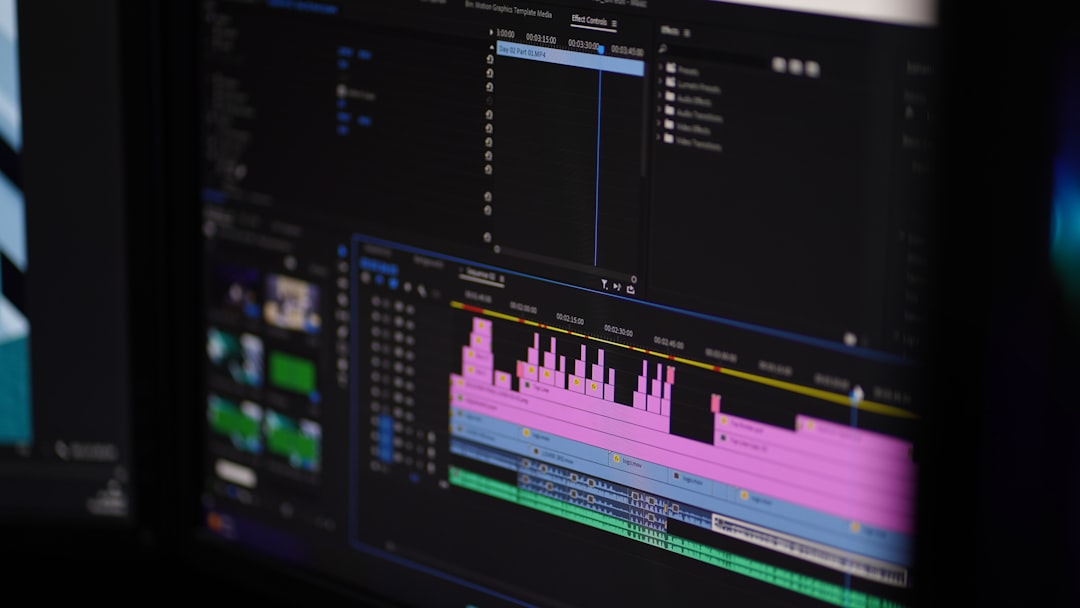
If you’re on a Mac, Final Cut Pro is a beast—in a good way. It’s fast, elegant, and surprisingly easy to pick up.
Why it’s great:
- Boasts a library full of pre-built titles, transitions, and effects.
- Tons of ready-to-use LUTs for cinematic color grading.
- You can find loads of free and paid plugin bundles.
- Optimized fully for Mac hardware—super fast renders!
Downsides: Mac-only and a one-time purchase that costs more upfront.
Best for: Mac users who want quality and speed without monthly costs.
3. DaVinci Resolve – Free and Pro-Level at the Same Time
This editor is like a cheat code. It combines editing, color grading, effects, and audio in one place. Oh—and there’s a full-featured free version!
Why it’s great:
- Full of Hollywood-grade color grading tools and LUTs.
- Includes built-in title and transition templates you can start using right away.
- Supports third-party preset packs and plugins.
- Highly customizable user interface.
Downsides: Slightly steeper learning curve but manageable with tutorials.
Best for: Beginners serious about film-style looks and long-term editing habits.
4. Filmora – Simple, Fun, and Full of Style
Filmora is perfect for people who want results fast with minimal effort. Everything is drag-and-drop.
Why it’s great:
- Comes with a massive library of title templates, filters, transitions, and effects.
- Built-in stock media and music makes editing even easier.
- Super-simple interface that’s made for beginners.
- Has LUTs and preset visuals to transform your footage instantly.
Downsides: Some assets require an additional download or a Pro subscription.
Best for: Beginners who want cool videos without the headache.
5. CapCut – The Mobile Editor That Packs a Punch
CapCut may come from the TikTok world, but don’t underestimate it! It’s a free, powerful editor for mobile and desktop with some surprisingly strong presets.
Why it’s great:
- Has tons of auto-caption tools, trendy transitions, and sound effects.
- Offers beautiful LUTs and one-tap filters for social media-ready looks.
- Supports template-based editing for fast video creation.
- Super easy to pick up for beginners and casual users.
Downsides: Basic compared to full desktop editors. Mostly geared toward social content.
Best for: Social media creators and quick turnaround projects.

6. HitFilm Express – A Free VFX Playground with Templates
Want to add cool visual effects without becoming a VFX wizard? HitFilm Express is free and surprisingly powerful.
Why it’s great:
- Pre-built VFX templates, transitions, and 3D effects available.
- Customizable color presets and LUT support.
- Active online community with free assets and tutorials.
- Beginner-friendly interface with lots of drag-and-drop features.
Downsides: Can be demanding on older computers.
Best for: Beginners interested in action-packed or cinematic edits on a budget.
Final Thoughts – Choose What Works for You!
All of these editors have one thing in common—they help you save time and still make awesome-looking videos. Whether you want to edit on your phone, laptop, or go full Hollywood, there’s a tool for your level and style.
Start with presets. Try templates. Learn one thing at a time. And most importantly—have fun with it!
Quick Recap
- Adobe Premiere Pro: For future pros who want lots of plugins.
- Final Cut Pro: For Mac fans who love smooth workflows.
- DaVinci Resolve: Free and powerful with pro-grade tools.
- Filmora: Easy, fast, and full of beginner-friendly templates.
- CapCut: Awesome for social media and mobile editing.
- HitFilm Express: Great for learning visual effects and cinematic looks.
Whichever editor you choose, those templates and presets are lifesavers. You can worry less about tiny details and more about telling great stories.