

The telephone numpad is something most people instinctively know how to use, yet few stop to think about why the buttons are arranged as they are or how this seemingly simple design came to be. From the earliest rotary dials to today’s smartphone screens, the telephone keypad has a rich and deliberate history shaped by engineering decisions, user behavior, and design standards that continue to influence our everyday interactions with technology.
Contents
TL;DR
The layout of the telephone numpad—with its 3×4 grid, numbers ordered from top to bottom, and the inclusion of the * and # keys—was carefully engineered for ease of use, speed, and technical compatibility. Its design differs from calculator keypads for practical reasons, notably user error rates and ergonomic research conducted by Bell Labs in the mid-20th century. Over time, the keypad evolved along with technology standards, leading to today’s touch-tone and digital systems. Despite the rise of touchscreens, the legacy of the telephone numpad remains influential in digital interfaces worldwide.
Origins: From Rotary Dials to Push Buttons
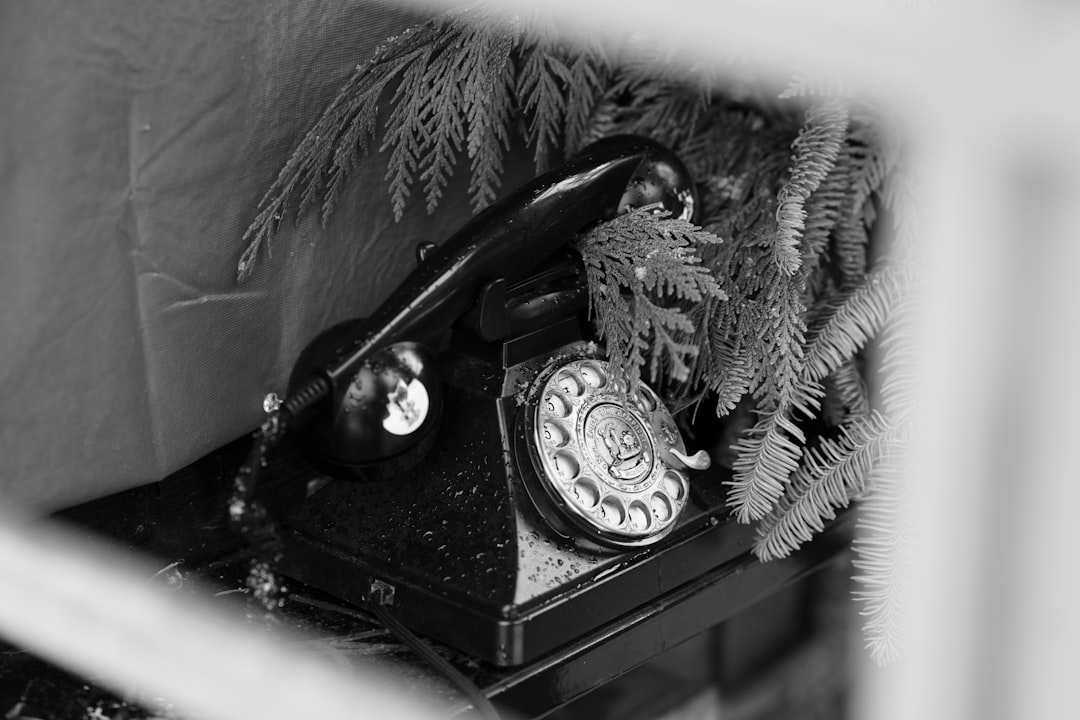
Before keypads became ubiquitous, the earliest telephones used rotary dials to input numbers. Users would insert their finger in a numbered hole and rotate the dial clockwise until it stopped. This method was mechanically robust, but it was also slow and prone to wear.
Everything began to change in the 1950s and 60s, as telephone providers started exploring ways to digitize dialing. Enter the Touch-Tone system developed by Bell Labs, which would ultimately standardize the use of a 12-button keypad for telephone input.
Why a 3×4 Grid?
The keypad you see on modern phones is a result of much research, particularly conducted by Bell Labs’ Human Factors Engineering Department. Their goal was simple but far-reaching: design an input system that could be used quickly and with minimal error by the average person.
Early tests considered many layouts, including horizontal rows and even circular arrangements, but ultimately settled on a 3-column, 4-row layout for a very strategic reason—speed and accuracy. In an extensive set of user trials, this arrangement consistently reduced input mistakes and improved familiarity and comfort. The result was the now-standard layout:
- Top row: 1 2 3
- Second row: 4 5 6
- Third row: 7 8 9
- Bottom row: * 0 #
This layout made particular sense in contrast to other popular keypads at the time, like calculator layouts. Unlike calculators, which place ‘1’ at the bottom-left, the telephone layout places ‘1’ at the top-left. Why?
Calculator vs. Telephone: A Keypad Curiosity
You might’ve noticed that number pads on telephones and calculators don’t match. Calculators have the ‘1’ at the bottom-left, moving up to ‘9’. Telephones, meanwhile, do the reverse. This disparity is not a mistake—it’s deliberate.
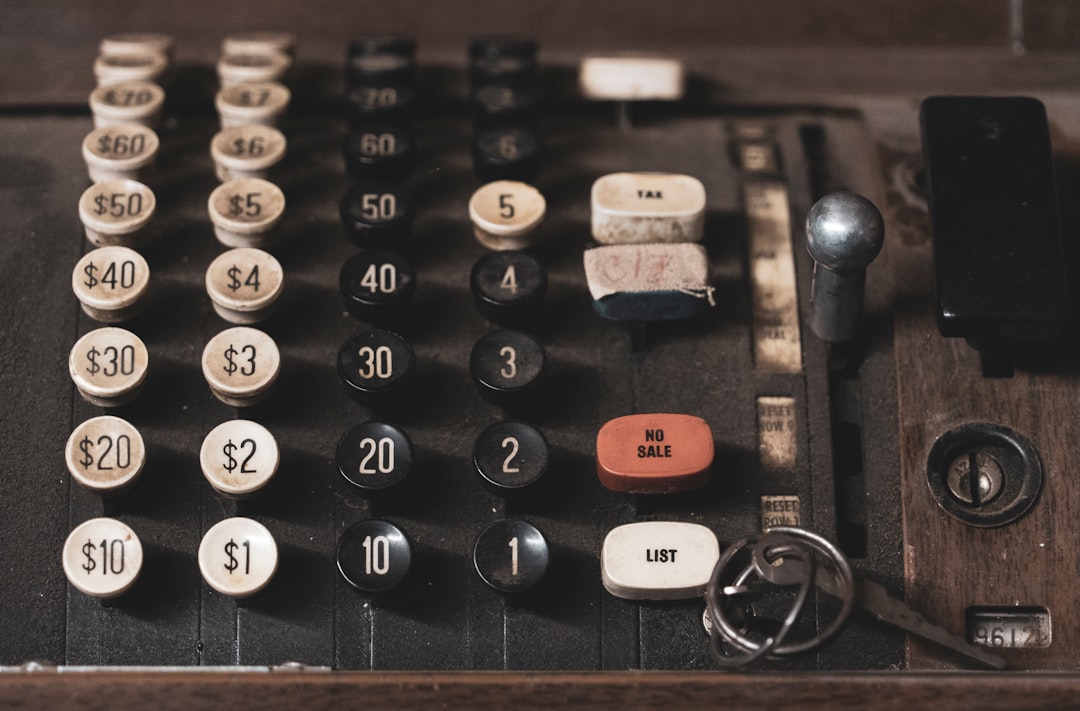
According to Bell Labs research, users operating with the telephone keypads offered more accurate and faster dial times when the numbers ascended from top to bottom. This was particularly important in phone dialing, where a single wrong entry meant redialing the entire number. On calculators, users tended to do less continuous input and more batch calculations, influencing a different ergonomic rationale.
The Introduction of the * and # Keys
Another element that defines the telephone keypad is the presence of the dreaded * and # symbols. Originally, these keys had no specific function. However, they were included with the foresight that future features, such as menu navigation, voice mail access, or even data input, might one day require more than just digits.
Dubbed at first as “star” and “octothorpe” respectively, these keys rapidly evolved from theoretical placeholders to essential components for interactive voice response (IVR) systems and special access codes.
Standards and the Role of DTMF
Behind the functionality of the telephone numpad is a technology known as Dual-Tone Multi-Frequency (DTMF) signaling. Each time you press a key, it produces a unique sound composed of two distinct tones. These tones correspond to a combination of one low-frequency and one high-frequency signal.
This allowed telephone systems—and later, computerized switchboards—to detect not just that a key was pressed, but exactly which key, and to do so quickly and reliably. Here is how they map:
- Low frequencies: 697 Hz, 770 Hz, 852 Hz, 941 Hz
- High frequencies: 1209 Hz, 1336 Hz, 1477 Hz
By combining one frequency from each group, each button on the numpad could be uniquely identified by the system.
Keypad Extensions and Variants
In certain specialized systems (such as military, civil aviation, and data entry terminals), a 4×4 keypad was used instead. This added a fourth column with keys A, B, C, and D, primarily for control signaling or custom commands.
Although rare in consumer devices, this 16-key matrix became somewhat popular in amateur radio systems and government communications. It never gained wide use in household phones, largely due to the general public not needing such controls.
The Numpad in the Modern Era
Though the original use case—dialing a landline phone—has largely been replaced by digital contact lists and voice-activated assistants, the numpad persists across a variety of platforms and devices:
- Mobile phones: Especially prominent in older feature phones and Android dialing apps.
- ATMs: Use similar layouts for numerals and control keys for familiarity and ease of use.
- Security systems: Entry keypads mimic telephone layouts for intuitive operation.
Moreover, programmers and hardware developers continue to include keypad-style layouts in various user interfaces, partly due to how ingrained this layout has become in human cognition and muscle memory.
Fun Facts and Unusual Trivia
- The “#” symbol is often called the “pound key” in North America but known as “hash” in many other English-speaking countries.
- The term “octothorpe” was reportedly invented at Bell Labs—which is as quirky and brilliant as it sounds.
- Businesses often relied on mnemonic phone numbers like 1-800-FLOWERS. These alphanumeric conveniences mapped to specific keypresses on the numeric keypad.
- Originally, telephone numbers didn’t include digits at all—switchboard operators connected calls by name until automation phased them out.
Conclusion: Function, Familiarity, and Form
What may appear as a trivial design—the humble telephone numpad—is anything but. Behind every button, layout decision, and sound tone lies a deep consideration of user behavior, technological limits, and future needs. Despite being born in an analog world, the telephone keypad not only survived the digital revolution but helped shape it.
So next time you tap out a phone number or input your PIN at a terminal, take a second to appreciate the quiet brilliance behind every neatly ordered button—it’s a design that has quite literally stood the test of time.