
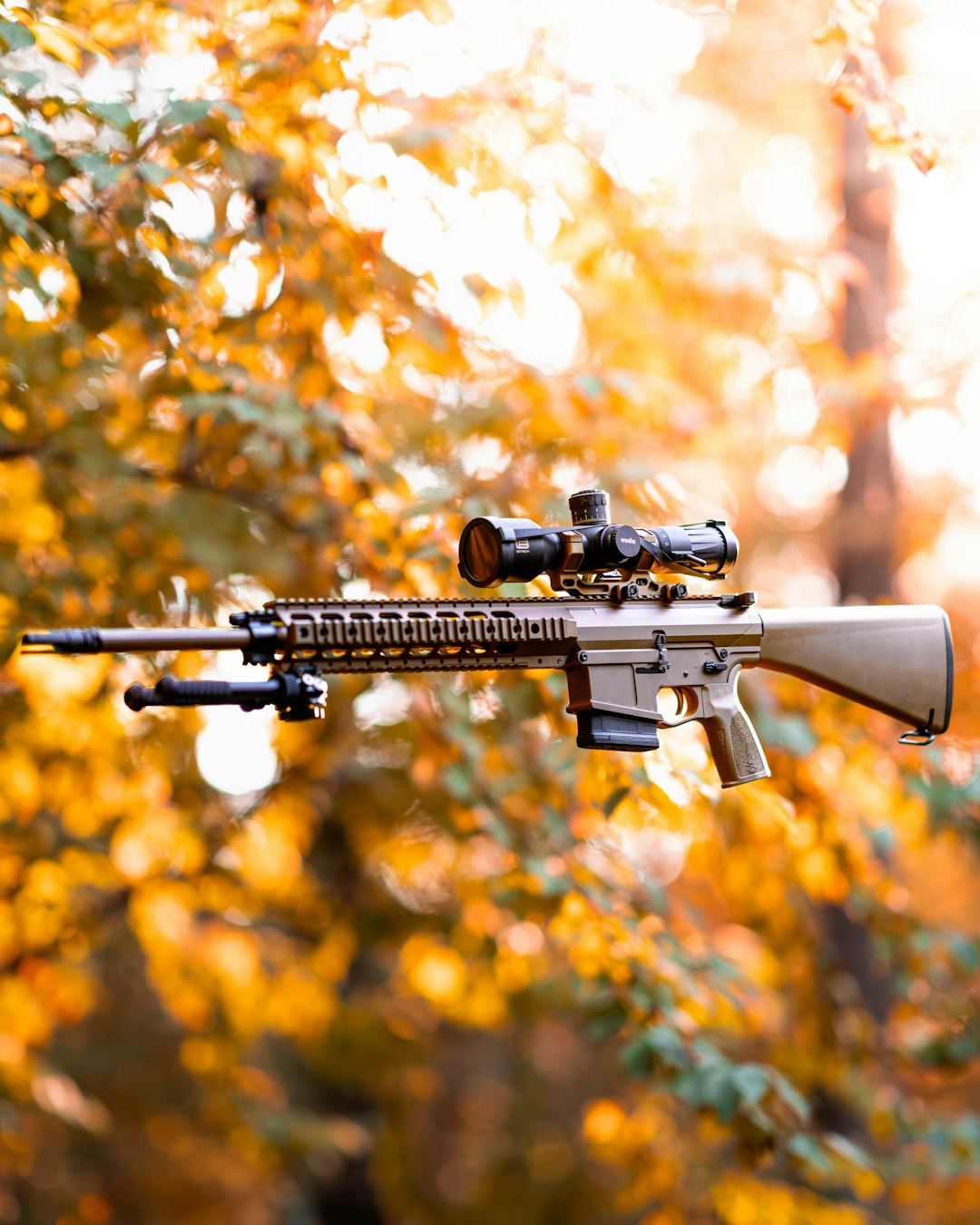
Mastering the bipod in Arma Reforger can dramatically improve your weapon stability, recoil control, and long-range accuracy. Whether you are playing as a squad marksman or providing suppressive fire as a machine gunner, understanding how and when to deploy your bipod is essential for battlefield effectiveness.
TLDR: Deploying a bipod in Arma Reforger stabilizes your weapon and significantly reduces recoil when firing from supported positions. You can only use a bipod when prone or near a stable surface such as a wall, sandbag, or window ledge. Proper positioning, terrain awareness, and firing discipline are key to getting the most out of it. Use bipods strategically for overwatch, suppression, and defensive operations rather than close-quarters combat.
Contents
Understanding the Role of the Bipod in Arma Reforger
Arma Reforger emphasizes realism, and weapon handling mechanics reflect that philosophy. Unlike arcade shooters, weapon sway, recoil, stamina, and posture heavily affect your accuracy. The bipod exists to counter these limitations by anchoring your weapon to a stable surface.
When deployed, a bipod offers:
- Significant recoil reduction
- Minimal weapon sway
- Improved long-range precision
- Better suppression capability for automatic weapons
However, it also restricts mobility and firing angles. Once deployed, you cannot quickly strafe or reposition without first disengaging the bipod. In other words, it is a tactical commitment.
Which Weapons Support Bipods?
Not all weapons in Arma Reforger can mount or utilize a bipod. Generally, bipods are found on:
- Light machine guns
- Designated marksman rifles
- Some battle rifles with bipod attachments
The M249-style platform, heavier rifles, and certain long-range weapons benefit most from deployment.
Image not found in postmetaIf your weapon has no bipod attachment, you will not see the deploy prompt when near a valid surface. Always confirm your loadout during preparation before entering combat.
How to Deploy a Bipod: Controls and Steps
Controls may vary slightly depending on your platform and custom keybinds, but the default behavior follows this general structure:
Step 1: Position Yourself Properly
You must be in a supported stance. This usually means:
- Prone position on relatively flat ground
- Standing or crouched behind a low wall
- At a window ledge
- Behind sandbags or barricades
Step 2: Approach a Valid Surface
Move your weapon close enough to an object that can provide support. Arma Reforger uses contextual deployment, so your weapon must physically align with the surface.
Step 3: Use the Deploy Command
By default, deployment is often mapped to a contextual key (commonly the same key used for weapon resting mechanics). Many players bind it to a convenient button for fast access.
When correctly positioned:
- You will see a visual cue or feel the weapon “snap” into a stabilized state.
- Weapon sway will noticeably decrease.
- Your horizontal movement arc becomes limited.
Step 4: Undeploy When Necessary
To disengage, simply move away from the surface or press the deployment key again. Always undeploy before attempting to sprint or rapidly relocate.
Best Positions to Deploy a Bipod
Choosing the right location is more important than simply going prone. Elevation, sightlines, and concealment dictate effectiveness.
1. Elevated Terrain
Hilltops and ridgelines offer broad visibility. However, avoid silhouetting yourself against the skyline.
2. Urban Windows
Windows create natural kill zones, especially on objective-based maps. Deploy slightly back from the window to reduce visibility.
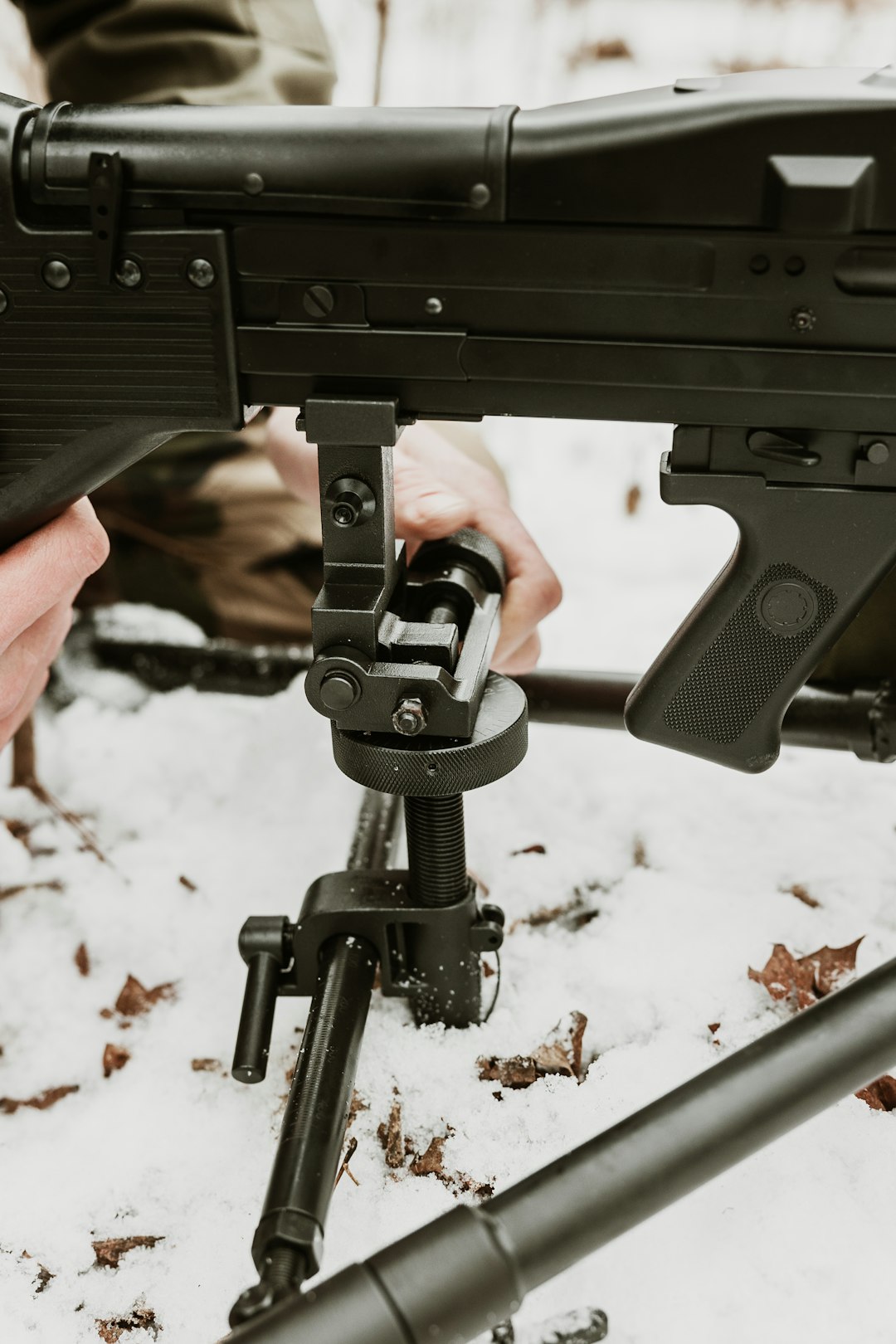
3. Defensive Sandbag Lines
In defensive scenarios, sandbags are ideal. They offer both cover and a stable mounting surface.
4. Vegetation with Ground Support
Grass and bushes provide concealment, but terrain unevenness can interfere with clean deployment. Adjust slightly until your aim stabilizes.
Gameplay Tips for Maximum Effectiveness
Control Your Fields of Fire
A bipod limits your turning arc. Before deploying, ensure your weapon is pointed toward the most likely enemy approach route. If enemies appear outside your arc, you will waste precious seconds undeploying and repositioning.
Manage Recoil Through Controlled Bursts
Even with a bipod, automatic weapons should be fired in controlled bursts:
- 3–5 rounds for medium range
- 5–8 rounds for suppression
This keeps your sight picture clear and ammunition usage sustainable.
Pair with a Spotter
Bipod users excel when working with teammates. A rifleman or squad leader can:
- Call out targets
- Provide security on your flanks
- Mark distant enemies
This transforms you from a static shooter into a force multiplier.
Watch Your Stamina
Although deployment reduces sway, stamina still affects shooting performance. Avoid sprinting immediately before setting up a firing position.
Common Mistakes to Avoid
Deploying in the Open
Many players go prone in open fields and deploy immediately. While stable, this also makes you highly visible. Always prioritize concealment.
Ignoring Flanks
The bipod encourages tunnel vision. Keep checking surroundings and communicate with your squad.
Failing to Reposition
After sustained fire, enemies will triangulate your location. Fire, relocate, redeploy. Predictability leads to death.
Bipod vs Unsupported Fire Comparison
| Factor | Bipod Deployed | Unsupported Fire |
|---|---|---|
| Recoil Control | Very High | Moderate to Low |
| Weapon Sway | Minimal | Significant |
| Mobility | Very Limited | High |
| Best Use Case | Defensive and long range | Close to mid range engagements |
| Reaction Speed | Slower repositioning | Fast |
This comparison makes one thing clear: deployment is situational. Use it when stability outweighs mobility.
Advanced Tactical Techniques
Angle Pre-Alignment
Before deploying, pre-aim slightly left or right of a choke point to compensate for your limited arc. This prevents sudden angle frustration once mounted.
Micro Adjustments
Small crawling movements can adjust your angle without fully undeploying. This is especially useful in prone overwatch scenarios.
Suppression Psychology
In Arma Reforger, suppression is not only mechanical but psychological. Sustained, accurate fire pins enemies behind cover and disrupts squad maneuvers. A well-placed bipod operator can stall entire pushes.

Layered Fields of Fire
Coordinate with another bipod-equipped teammate. Overlapping arcs ensure:
- No blind spots
- Continuous suppression during reloads
- Greater zone denial capability
When Not to Use a Bipod
Despite its strengths, some situations demand mobility.
- Clearing buildings
- Forest skirmishes at close range
- Rapid objective assaults
- Room-to-room combat
In these cases, iron sights or aimed fire while crouched provides better adaptability.
Final Thoughts
Deploying a bipod in Arma Reforger is not a simple mechanical action; it is a tactical decision that shapes your combat role. When used correctly, it transforms your weapon into a stable, high-precision platform capable of dominating sightlines and controlling enemy movement.
The key principles remain consistent:
- Choose strong positions
- Understand your firing arc
- Prioritize concealment
- Coordinate with your squad
- Stay adaptable
In a game built around realism and teamwork, the bipod is not just an attachment. It is a commitment to disciplined, controlled firepower. Learn its mechanics, practice effective positioning, and you will quickly become one of the most reliable assets on the battlefield.