
Bluetooth technology has become a foundational element of modern connectivity, enabling seamless communication between smartphones, laptops, IoT devices, wearables, and industrial equipment. As the number of connected devices grows, so does the need for reliable tools to scan, monitor, and manage Bluetooth connections efficiently. Bluetooth device management tools like LightBlue provide powerful capabilities for discovering nearby devices, testing services, and troubleshooting communication issues.
TLDR: Bluetooth device management tools such as LightBlue help users scan, connect to, and analyze nearby Bluetooth Low Energy (BLE) devices. These tools are essential for developers, engineers, and IT professionals who need to test services, inspect characteristics, and troubleshoot connectivity. They offer features like real-time signal monitoring, service discovery, and data exchange. Choosing the right tool depends on platform compatibility, technical requirements, and depth of analysis needed.
With the increasing complexity of Bluetooth ecosystems—especially Bluetooth Low Energy (BLE)—manual connection through standard device settings is often insufficient. Specialized applications provide deeper insight into device behavior, signal strength, services, and characteristics. They are invaluable in development environments and enterprise contexts alike.
Contents
What Are Bluetooth Device Management Tools?
Bluetooth device management tools are software applications designed to help users:
- Scan for nearby Bluetooth or BLE devices
- View signal strength (RSSI) and device identifiers
- Connect to specific devices
- Explore GATT services and characteristics
- Send and receive data packets
- Troubleshoot communication issues
Unlike basic operating system Bluetooth menus, these tools provide granular visibility into device attributes. They are particularly useful in IoT development, embedded systems engineering, firmware validation, and device testing.
LightBlue: A Leading Example
LightBlue is one of the most popular Bluetooth Low Energy scanning and development tools available for macOS and iOS. Created primarily for developers, it enables deep inspection of BLE devices and their profiles.
Key Features of LightBlue
- Device scanning with real-time RSSI monitoring
- GATT profile browsing for services and characteristics
- Read, write, and notify functionality
- Peripheral simulation to emulate BLE devices
- Advertising data inspection
One of LightBlue’s defining benefits is its ability to simulate a peripheral device. This allows developers to test mobile apps or central devices without requiring physical hardware. It significantly accelerates debugging and product development cycles.
Why Bluetooth Management Tools Are Essential
Bluetooth ecosystems can be unpredictable. Signal interference, firmware bugs, configuration mismatches, and hardware issues often complicate connectivity. Management tools provide visibility into:
- Signal behavior over time
- Service discovery failures
- Incorrect UUID configurations
- Data transmission errors
For enterprises deploying IoT devices across facilities, these tools offer operational transparency. Maintenance teams can quickly identify whether connectivity issues are software-related or driven by physical signal constraints.
Popular Bluetooth Device Management Tools
While LightBlue is widely recognized, several other tools provide robust functionality across different platforms.
1. LightBlue (iOS/macOS)
- User-friendly interface
- Peripheral simulation capability
- Strong BLE development focus
2. nRF Connect (iOS, Android, Desktop)
- Advanced debugging tools
- Detailed logging features
- Broad cross-platform support
3. Bluetooth LE Explorer (Windows)
- Windows-native solution
- GATT exploration features
- Ideal for Microsoft environments
4. BLE Scanner (Android)
- Lightweight interface
- Real-time device discovery
- Packet-level data viewing

Comparison Chart of Bluetooth Management Tools
| Tool | Platforms | Best For | Peripheral Simulation | Logging & Debugging |
|---|---|---|---|---|
| LightBlue | iOS, macOS | BLE development, testing | Yes | Moderate |
| nRF Connect | iOS, Android, Windows, macOS | Advanced engineering | Limited | Advanced |
| Bluetooth LE Explorer | Windows | Windows ecosystems | No | Moderate |
| BLE Scanner | Android | Quick diagnostics | No | Basic |
Key Features to Look For
When selecting a Bluetooth management tool, professionals should evaluate several core capabilities.
1. Deep GATT Inspection
A quality tool should allow detailed exploration of services, characteristics, and descriptors. Proper visualization of UUIDs is essential for accurate debugging.
2. Real-Time RSSI Monitoring
Signal strength tracking helps diagnose range limitations and interference. This is particularly useful in industrial IoT deployments.
3. Data Packet Interaction
The ability to send hex or ASCII commands and receive notifications is critical for validating firmware behavior.
4. Logging and Export Capabilities
Advanced debugging often requires session logs that can be shared across development teams.
5. Cross-Platform Compatibility
Multi-platform support streamlines collaboration across engineering and QA teams.
Real-World Applications
Bluetooth device management tools play significant roles across industries:
- Healthcare: Monitoring wearable medical sensors
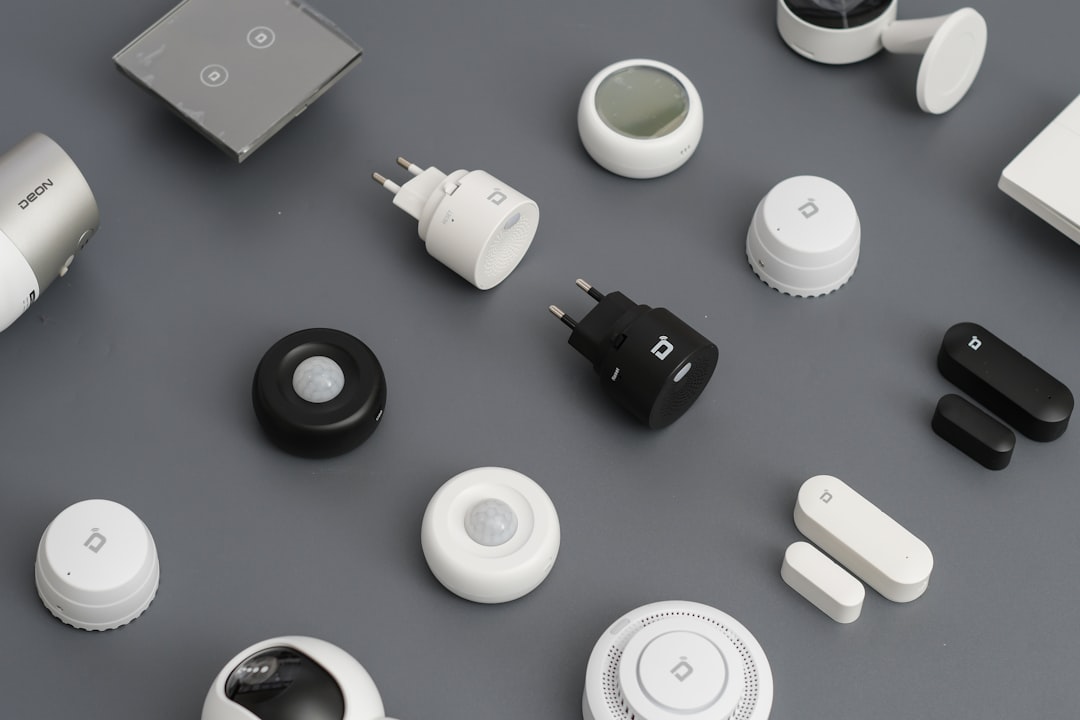
- Smart Home: Testing automation hubs and connected appliances
- Manufacturing: Maintaining BLE-enabled industrial sensors
- Retail: Managing beacon-based customer engagement systems
In development environments, engineers frequently use these tools during firmware updates or when introducing new device revisions. The ability to instantly inspect advertising packets and validate newly implemented services dramatically reduces time-to-market.
Security Considerations
Bluetooth management tools also help evaluate device security configurations. Users can verify:
- Encryption requirements
- Authentication mechanisms
- Secure pairing processes
With increasing cybersecurity threats targeting IoT ecosystems, validating secure BLE implementations is critical. Management applications offer insight into whether sensitive characteristics are properly protected.
Best Practices for Using Bluetooth Scanning Tools
- Maintain updated firmware across all test devices
- Test in controlled RF environments to reduce false negatives
- Document UUID structures before debugging sessions
- Monitor battery levels when testing wearable or portable devices
- Use logging features for reproducible diagnostics
Professionals should also be aware of platform-specific Bluetooth restrictions. For example, mobile operating systems may limit background scanning or impose permission constraints that impact functionality.
The Future of Bluetooth Device Management
As Bluetooth 5.x and emerging standards continue to expand bandwidth, range, and mesh networking capabilities, management tools will evolve in parallel. Enhanced support for mesh topology visualization, energy profiling, and over-the-air (OTA) update monitoring is becoming increasingly important.
Artificial intelligence may also play a role in future iterations, automatically detecting anomalies in signal patterns or recommending configuration corrections. Such advancements would further streamline engineering workflows and enterprise diagnostics.
Conclusion
Bluetooth device management tools like LightBlue have become indispensable for scanning, connecting, and debugging BLE devices. They provide far more than simple pairing functionality—offering deep insights into services, characteristics, and signal behavior. Whether used by developers building IoT products, IT teams troubleshooting enterprise deployments, or engineers validating firmware, these tools enhance efficiency and reliability. Choosing the right platform depends on operational requirements, desired feature depth, and supported environments, but investing in a robust solution ensures smoother Bluetooth integration and long-term device performance.
Frequently Asked Questions (FAQ)
1. What is LightBlue primarily used for?
LightBlue is primarily used for scanning, connecting to, and testing Bluetooth Low Energy (BLE) devices. It allows users to explore GATT services, read and write characteristics, and simulate peripheral devices.
2. Are Bluetooth scanning tools only for developers?
No. While developers commonly use them, IT professionals, system integrators, and technical support teams also rely on these tools for diagnostics and troubleshooting.
3. Can these tools improve Bluetooth signal strength?
They cannot directly improve signal strength, but they help diagnose signal issues by providing RSSI readings and connection stability data.
4. Is it safe to connect to unknown BLE devices?
Connecting to unknown devices can pose security risks. It is advisable to connect only to trusted devices and verify encryption and authentication settings whenever possible.
5. Do all Bluetooth management tools support peripheral simulation?
No. Peripheral simulation is a specialized feature available in certain tools like LightBlue and some advanced development platforms.
6. What platforms are best for enterprise Bluetooth management?
Enterprises typically choose tools that support multiple platforms—such as nRF Connect—so engineering and operations teams can collaborate effectively across devices.