
Mobile video editing has evolved far beyond simple trimming and filters. While CapCut often dominates conversations on social platforms, Reddit communities dedicated to video editing frequently highlight hidden gems that rival — and sometimes outperform — mainstream apps. From powerful timeline controls to advanced color grading tools, these lesser-known editors have earned passionate followings for good reason.
TLDR: Reddit users consistently recommend several underrated mobile video editing apps that offer advanced features without the hype of CapCut. These include apps focused on professional timelines, creative effects, AI tools, and clean, watermark-free exports. Many of these editors are ideal for creators seeking more control, privacy, or unique styles. If CapCut feels limiting or overused, these six alternatives are worth exploring.
Contents
1. VN Video Editor
Often described by Redditors as “CapCut without the noise,” VN Video Editor has earned a loyal base thanks to its intuitive interface and professional-grade timeline.

Unlike many free apps, VN offers:
- Multi-layer timeline editing
- Keyframe animation support
- Custom curve speed adjustments
- No mandatory watermark
Users frequently praise its clean layout and absence of aggressive upselling. While CapCut integrates tightly with TikTok trends, VN feels more neutral and creator-focused. It is especially popular among travel vloggers and short-form documentary creators who want refined control without desktop software.
Reddit insight: Many users mention that VN’s export quality holds up better during compression on Instagram and YouTube Shorts.
2. YouCut
Though the name may not sound particularly professional, YouCut is a consistent favorite in Android-focused editing threads. It appeals to creators who need efficient edits without steep learning curves.
Top features include:
- High-resolution exports up to 4K
- Background changer for vertical videos
- Slice and merge tools optimized for Shorts
- Royalty-free music library
YouCut is often recommended for beginners stepping beyond basic trimming apps. Reddit users appreciate that it avoids the heavy, template-driven style common in trend-focused editors.
Why Reddit likes it: It offers strong performance even on mid-range Android devices, making it accessible to creators without flagship phones.
3. InShot (Advanced Mode)
While InShot is relatively well-known, many Redditors argue that its advanced editing features remain underutilized and overlooked.
Most casual users stick to filters and quick trims, but the app also offers:
- Manual keyframing
- Picture-in-picture overlays
- Precision audio syncing
- Aspect ratio control for every platform

Advanced users claim that, when fully utilized, InShot can rival CapCut in flexibility. Its streamlined tool placement reduces clutter and allows faster project completion.
Community tip: Export at the highest bitrate available for better YouTube compression results.
4. KineMaster
Before CapCut surged in popularity, KineMaster was considered one of the most powerful mobile editors available. While it has faded from trend-heavy conversations, Reddit threads still recognize it as a serious editing platform.
Key advantages include:
- Blending modes
- Green screen chroma key
- Audio volume envelope control
- Frame-by-frame trimming
KineMaster feels closer to desktop editing software than many minimalist mobile apps. It appeals to aspiring filmmakers and tutorial creators who demand precision.
Reddit perspective: Users note that KineMaster’s layer controls are more predictable compared to CapCut’s sometimes automated adjustments.
5. LumaFusion (For Serious Creators)
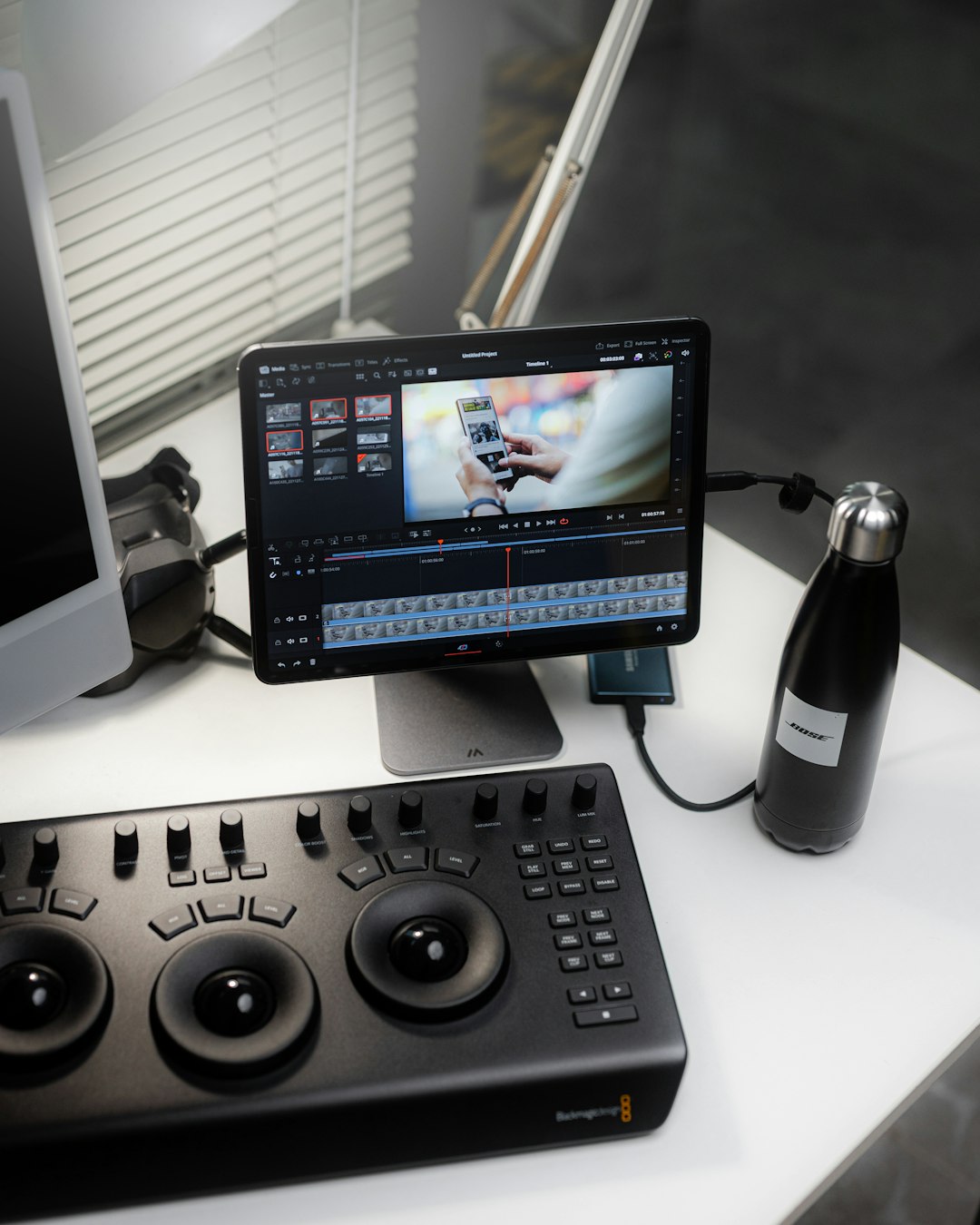
Frequently referred to as “desktop-class editing on mobile,” LumaFusion garners strong praise in Reddit’s iOS communities.
Although it is a paid app, users emphasize that it offers:
- Multiple video and audio tracks
- Color correction tools with LUT support
- External drive integration
- Advanced audio mixing
Many Redditors argue that LumaFusion is less of a CapCut alternative and more of a mobile Premiere Pro competitor. It is especially beneficial for journalists, independent filmmakers, and YouTube professionals who need reliability on the go.
Important distinction: Unlike CapCut’s template-driven workflow, LumaFusion requires manual editing knowledge, which can be both a challenge and an advantage.
6. Alight Motion
For motion graphics enthusiasts, Alight Motion frequently appears in recommendation threads. Though often associated with animation edits on social media, its capabilities extend beyond flashy transitions.
Its standout features include:
- Vector and bitmap support
- Keyframe animation for nearly every parameter
- Visual effects layering
- Custom velocity curves
Reddit creators particularly value its precision for typography animations and stylized reels. While CapCut provides easy preset templates, Alight Motion allows creators to build custom effects from scratch.
Common feedback: It has a learning curve, but mastering it unlocks a level of creative freedom rarely found in free editors.
Why Reddit Users Seek Alternatives to CapCut
CapCut remains wildly popular, but Reddit discussions reveal several recurring concerns:
- Overused templates leading to repetitive content
- Privacy considerations
- Occasional export compression artifacts
- Feature limitations for advanced workflows
Many creators seek apps that encourage originality rather than trend replication. Lesser-known editors often provide manual control, reduced automation, and more stylistic experimentation.
Another trend observed in Reddit comments is the desire for ownership over creative process. Apps that rely heavily on automated transitions and AI-driven cuts can feel restrictive to editors who prefer total control.
How to Choose the Right Alternative
Reddit advice often boils down to identifying editing goals:
- For quick social clips: YouCut or VN
- For layered storytelling: KineMaster
- For professional production: LumaFusion
- For motion graphics: Alight Motion
- For beginner-friendly polish: InShot
Device performance should also factor into the decision. High-end apps with multiple layers may struggle on older phones, while lightweight editors can maintain fluid performance.
Ultimately, Reddit creators emphasize experimentation — most of these apps offer free versions, allowing users to test workflows before committing.
Final Thoughts
While CapCut continues to dominate mainstream conversations, Reddit communities reveal a broader ecosystem of capable mobile editors. These lesser-known options provide creative control, professional features, and stylistic independence that many content creators crave.
For those willing to look beyond trending templates, apps like VN, KineMaster, Alight Motion, and LumaFusion can transform a smartphone into a powerful video production studio. The best choice depends not on popularity, but on workflow preferences, creative ambitions, and the type of content being produced.
Frequently Asked Questions (FAQ)
1. Are these apps free to use?
Most of them offer free versions with optional premium upgrades. Apps like VN and YouCut provide strong free functionality, while LumaFusion requires a one-time purchase.
2. Which app is best for beginners?
YouCut and InShot are generally considered beginner-friendly due to their intuitive interfaces and guided workflows.
3. Which alternative is closest to desktop editing software?
LumaFusion and KineMaster are often described as offering the most desktop-like editing experience on mobile devices.
4. Do these apps add watermarks?
Some free versions include watermarks, but VN is frequently praised for allowing watermark-free exports without mandatory subscriptions.
5. Which app is best for TikTok or Reels content?
VN, YouCut, and Alight Motion are commonly recommended for vertical short-form content, especially when custom effects are desired.
6. Are these apps available on both iOS and Android?
Most are available on both platforms, though LumaFusion is traditionally strongest on iOS devices.
7. Is it worth switching from CapCut?
For creators seeking more control, unique visuals, or fewer template-driven edits, exploring these Reddit-recommended alternatives can be highly worthwhile.