
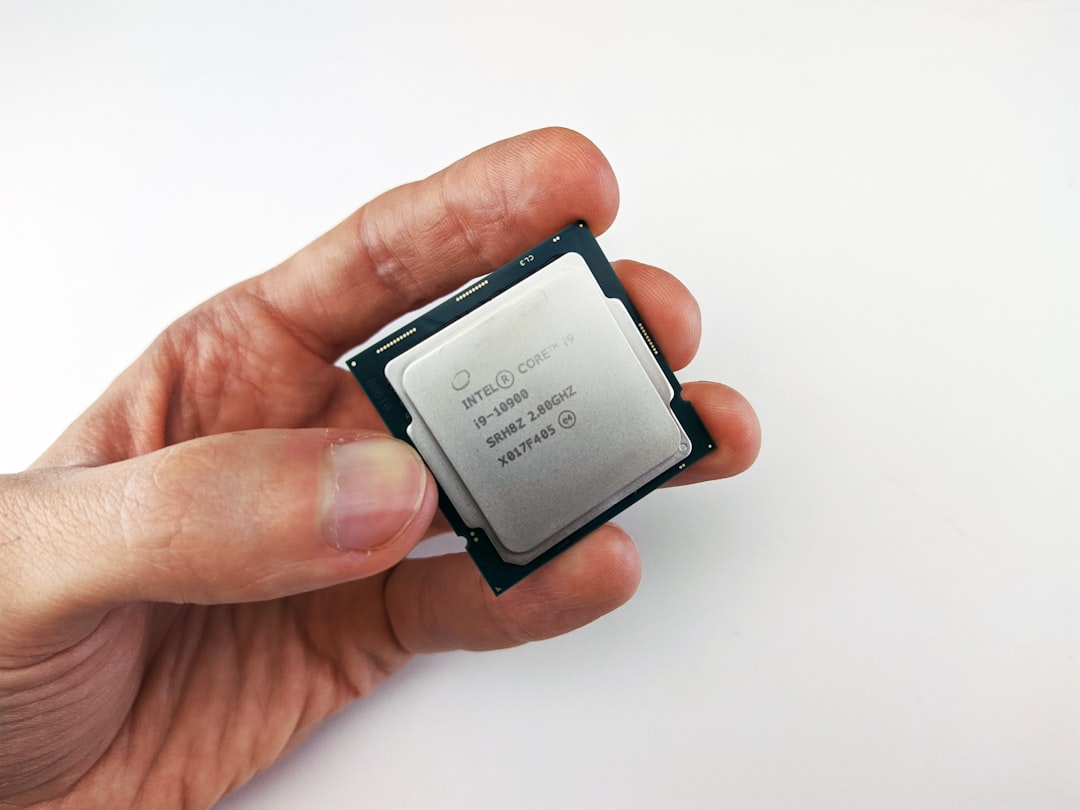
If you’ve ever streamed a movie, made a video call, or played a modern video game, you’ve relied on the magic of media codecs. But encoding and decoding video takes a lot of muscle. That’s where Intel’s Multi-Format Codec Engines come in. These little engines inside Intel chips help all your videos run smooth, sharp, and stutter-free.
Contents
TL;DR (Too long, didn’t read)
Intel’s Multi-Format Codec Engines (MFX, or MFE) are specialized hardware blocks found inside some Intel processors. They help compress (encode) and uncompress (decode) video and audio data super fast. This saves power, reduces CPU load, and improves streaming and gaming. Basically, MFE makes your media better, faster, and smoother.
What Are Codec Engines Anyway?
Let’s start simple. A codec is short for coder-decoder. This tool changes raw video data into a file that’s smaller and easier to move – called encoding. Then, it does the reverse – decoding – when you’re watching the video.
This is crucial because raw video files are HUGE! Imagine trying to stream a 4GB video for just a minute of footage. Ouch!
So we use formats like:
- H.264 – the most common format for streaming and video conferencing
- HEVC (H.265) – the newer, better-quality brother
- VP9/AV1 – more advanced and open-source alternatives
Intel’s Multi-Format Codec Engine is a special helper built into your computer’s processor that handles these tasks for videos and media. Instead of the main CPU doing all the hard work, the MFE takes over the complicated video tasks.
Why Does Intel Add Codec Engines To Their CPUs?
Good question! Here’s a fun way to think about it:
Imagine your CPU is the brain – super smart, but gets tired fast when doing heavy stuff. Now imagine having a small helper brain whose only job is to deal with video. That’s what the MFE is!
Intel includes it to:
- Boost performance – decoding 4K video without frying your laptop
- Extend battery life – because hardware is more efficient than software-only codecs
- Enable crisp video calls and streams – even in low bandwidth areas
- Allow gamers to record or stream gameplay easily
Best part? The MFE runs in the background. You don’t even notice it’s there!
How Does the Multi-Format Codec Engine Work?
The MFE is part of Intel’s integrated GPU, often found on chips like the Intel Core i5 or i7. Inside, it has hardware blocks tuned for the most common video formats.
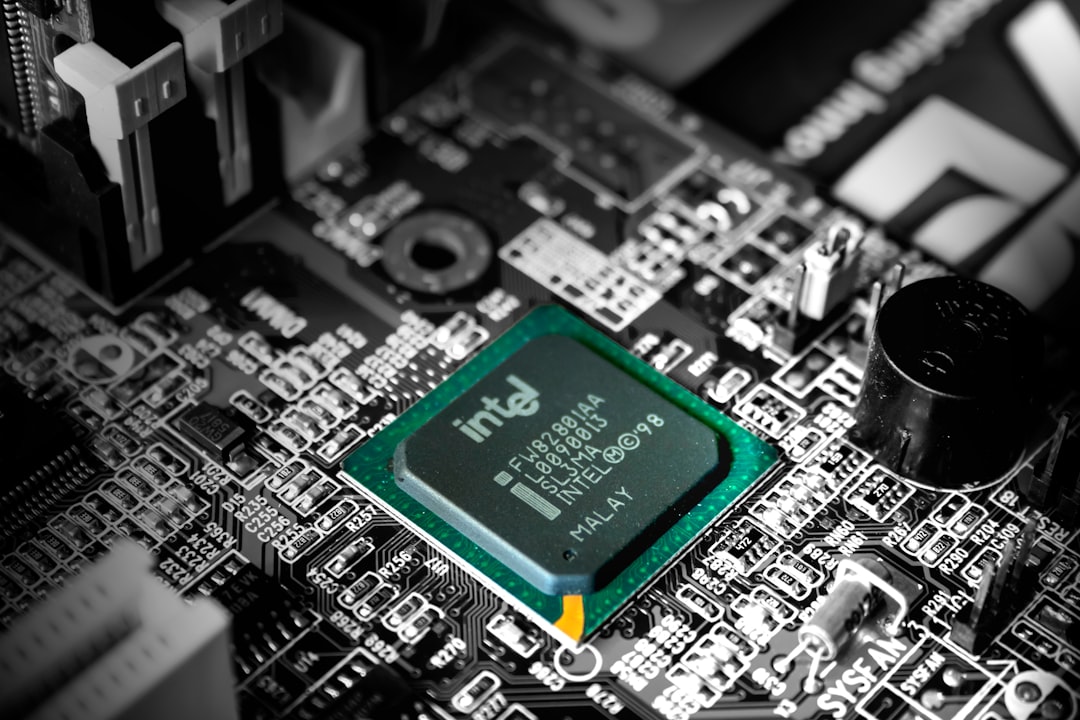
When your computer plays or records a video, the system checks if it can use the MFE. If yes, bingo! It sends the video job there. This frees up the CPU and GPU for other tasks like running your browser or game.
The codec engine then breaks the video into sections, processes each according to its format, and reassembles it quickly and smoothly.
It Supports Multiple Formats – Hence the Name
The cool part? MFE understands multiple formats, including:
- MPEG-2
- VC-1
- H.264/AVC
- H.265/HEVC
- VP8 / VP9
- AV1
This wide range means whether you’re watching YouTube, Zooming with coworkers, or streaming Netflix, the MFE has you covered.
Use Cases You’ll Totally Relate To
Let’s bring it home. Here’re some day-to-day things made better by the MFE:
1. Video Calls
Zoom, Skype, Teams – all use H.264 or similar codecs. With Intel’s MFE, your calls are clearer and your laptop stays cooler.
2. Streaming
Enjoying a show on Netflix or watching YouTube in 4K? That’s heavy! MFE does the decoding work fast so your CPU can chill.
3. Gaming and Game Recording
Want to livestream Call of Duty while playing? MFE encodes your video on the fly, so your gameplay doesn’t lag.
4. Video Editing
When exporting edited videos, the MFE speeds up encoding, making renders faster and laptops less noisy.

From Quick Sync to MFE – A Quick History
Intel was one of the first companies to think about hardware video assistance. You may have heard of their older tech called Intel Quick Sync Video. That was an early version of modern MFEs.
The MFE name is a bit more current and reflects the fact that it supports multiple video codecs. Today’s versions are more powerful, support newer standards, and are capable of handling high-res formats like 4K and even 8K!
Cool Fact: It Saves Battery Big Time
Don’t you love watching videos on your laptop during a flight or work break? Well, without MFE, you’d run out of battery real fast. Because hardware decoding consumes much less energy than letting software do the work.
So next time you binge a Netflix series on a single charge — thank your MFE silently!
Where Can You Find MFE?
The MFE is built into Intel processors with integrated graphics. This includes many of the:
- Intel Core i3, i5, i7, i9 (mostly from the 6th generation onwards)
- Intel Xe Graphics-enabled chips
- Intel Iris and Iris Xe chipsets
Gamers and creators using discrete GPUs may rely more on GPU encoding (like NVIDIA NVENC), but the MFE is still super useful for quick media tasks and background apps.
What About Other Companies?
Intel isn’t alone. AMD has their own version called VCE/VCN, and NVIDIA uses something called NVENC/NVDEC. But Intel’s MFE has long been praised for being power-efficient and tightly integrated into Windows, Chrome, and video apps.
Conclusion
Intel’s Multi-Format Codec Engines are like having a mini video expert living inside your computer. They’re smart, efficient, and work silently behind the scenes to give you:
- Smoother video playback
- Faster exports
- Better streaming and video chatting
- Longer battery life
So the next time your Zoom call is crystal clear or your video plays without a hitch, you’ll know – that’s the power of Intel’s Multi-Format Codec Engine doing its thing.