

In the fast-paced world of startups and new businesses, first impressions matter. Your business card isn’t just a way to share your contact information—it’s an extension of your brand, personality, and professionalism. Whether you’re networking at a local event or sending out a welcome package, a well-designed business card can make all the difference. Fortunately, you don’t need to hire a full-time designer or break your budget to get impressive results.
TL;DR: Choosing the right business card maker is crucial for startups aiming to make a memorable impression on clients, partners, and investors. This article highlights 13 business card design tools—ranging from customizable online platforms to powerful graphic design software—that balance cost, quality, and ease of use. With these tools, even non-designers can produce professional cards. From fast delivery to sustainability, there’s an option for every new business need.
Contents
1. Canva
Best for: Startups without a design team.
Canva is a fan-favorite for good reason. It offers an intuitive drag-and-drop interface along with thousands of pre-designed templates. You can customize fonts, colors, layouts, and even add your own logos with zero design experience needed. Canva’s business card section is particularly strong in variety, and you can order prints directly from them or download the design for printing elsewhere.
Pros: Free tier available, very easy to use.
Cons: Limited advanced printing finishes (e.g., embossing or foil).
2. Vistaprint
Best for: Startups looking for bulk printing options.
Vistaprint is a leading print provider offering loads of business card templates and the ability to upload your own designs. Their strength lies in the variety of paper types, finishes, and bulk discounts. You can use their online designer tool for easy customization or upload professionally made cards.
Pros: Excellent print quality and delivery options.
Cons: Limited design flexibility if starting from scratch.
3. Moo
Best for: Premium, high-end business cards.
Moo is known for its elegant, professional-looking cards that instantly elevate your brand’s image. They offer unique options such as Printfinity, which allows each card in a pack to have a different image—perfect for designers or photographers.
Pros: Exceptional quality, creative options.
Cons: Higher price per card compared to others.
4. Zazzle
Best for: Startups with niche or artistic branding.
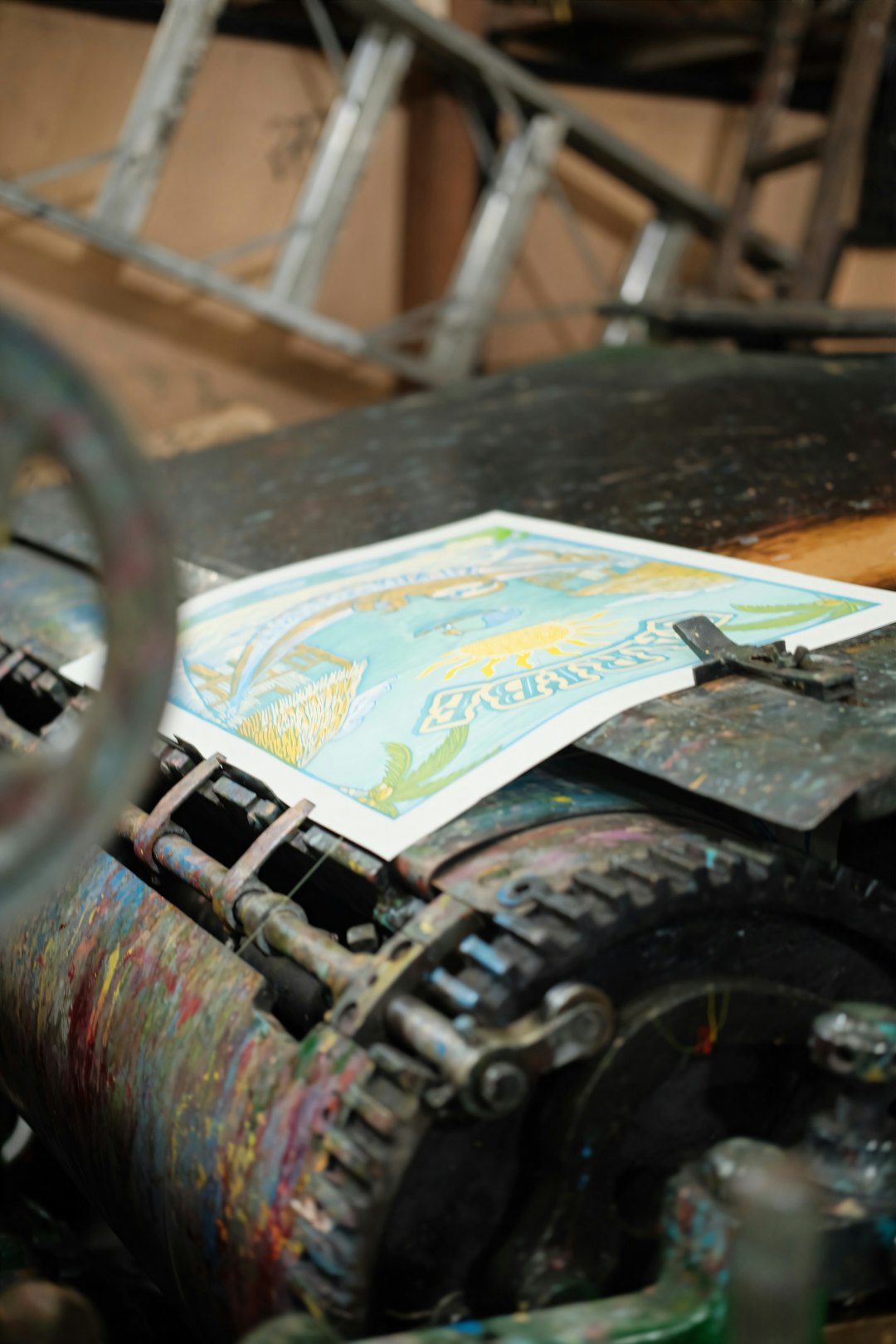
Zazzle provides more than just your typical business card templates. They specialize in artistic and personalized designs with options to hire designers or create your own. It’s a great option if your company vibe is more creative or non-traditional.
Pros: Highly customizable, great for unique branding.
Cons: Less business-oriented in appearance.
5. Adobe Express (formerly Adobe Spark)
Best for: Entrepreneurs with a preference for Adobe tools.
Formerly known as Adobe Spark, Adobe Express gives you access to professional-grade templates with the familiarity of Adobe’s ecosystem. It’s beginner-friendly, integrates with other Adobe tools, and gives you more control over your brand style.
Pros: Seamless integration with Adobe Creative Cloud.
Cons: Slightly steeper learning curve for new users.
6. GotPrint
Best for: Budget-conscious startups.
GotPrint is ideal if you’re watching your expenses. They offer competitive pricing for quantities small and large, and their print quality remains solid. Templates are available, although they’re less modern compared to platforms like Moo or Canva.
Pros: Great rates, bulk orders welcome.
Cons: Less premium in feel.
7. Jukebox Print
Best for: Eco-conscious startups.
Jukebox specializes in stunning and sustainable printing options like recycled paper, bamboo, and even cotton business cards. Their quality is impressive, especially if you care about the environmental footprint of your materials.
Pros: Eco-friendly, creative formats.
Cons: Pricing can be higher on sustainable options.
8. Fiverr
Best for: Custom-designed cards on a startup budget.
If you’re looking for a human touch without paying agency prices, Fiverr connects you to freelance designers globally. You can have a designer create your business card and receive print-ready files. This lets you print through any provider or digital print shop.
Pros: Personal designs, variable prices.
Cons: Quality can be inconsistent—check reviews carefully.
9. Crello
Best for: Quick and easy design edits.
Crello, now known as VistaCreate after being acquired by Vistaprint, is an online design platform similar to Canva. The tool is optimized for non-designers and offers a wide range of business card templates aligned with other branded assets you might need.
Pros: Easy to use, multi-format design capabilities.
Cons: Less intuitive than Canva for some users.
10. PsPrint
Best for: Small volume orders with unique effects.
PsPrint offers top-notch quality with options for foil stamping, die-cut shapes, and UV coating at affordable prices. Their online design tool is basic, but if unique presentation matters more than quantity, this is a fantastic option.
Pros: Excellent for specialty finishes.
Cons: Limited modern templates.
11. Business Card Studio Pro
Best for: Offline desktop editing.
If you prefer to handle everything on your computer, this desktop application gives you full autonomy. It doesn’t rely on the cloud and provides robust editing features for layout, logos, and images—all without a monthly fee.
Pros: No internet needed, lots of design flexibility.
Cons: Download and installation required.
12. Designhill
Best for: Contests and crowd-sourced design ideas.
Designhill allows you to host a design contest for your business card, where designers submit their ideas and you pick the one you love. This is great if you want lots of creative input and aren’t sure exactly what you want.
Pros: Crowd-sourced creativity, diverse styles.
Cons: Longer time frame compared to do-it-yourself sites.
13. ZoePrint
Best for: Non-profits and educational startups.
ZoePrint offers extremely competitive pricing targeted toward schools, non-profits, and startups. They have straightforward design tools and you can bulk-order business cards along with letterheads, envelopes, and brochures.
Pros: Affordable print bundles, great for scaled outreach.
Cons: Fewer designer templates than some other platforms.
Final Thoughts
When starting a business, every detail helps shape how people see your brand. Business cards seem minor, but they play a huge role in networking, recognition, and credibility. Whether you prioritize eco-materials, budget-friendly options, or striking visuals, there’s a business card maker out there tailored to your startup’s goals.
Take time to test a few platforms before setting a final print run. And remember, your business card is more than a piece of paper—it’s the start of a conversation.