
Fast charging can feel essential when an Android phone or iPhone needs power quickly, but it can stop working for several reasons. In many cases, the phone still charges, just much more slowly than expected. The cause may be as simple as the wrong cable, a weak adapter, dust inside the charging port, heat, software settings, or a worn battery.
TLDR: When fast charging is not working on Android or iPhone, the most common causes are an incompatible charger, damaged cable, dirty charging port, overheating, or battery health limitations. The device, cable, and adapter must all support the same fast charging standard. Cleaning the port carefully, restarting the phone, checking battery settings, and testing another certified charger usually solves the issue. If charging remains slow, the battery or charging port may need professional inspection.
Contents
Why Fast Charging Stops Working
Fast charging depends on several parts working together. The phone must support fast charging, the power adapter must provide enough wattage, the cable must handle the required current, and the charging port must make a stable connection. If one part fails, the phone may default to standard slow charging.
Modern phones also control charging speed automatically. Android devices and iPhones may slow charging when the battery is hot, nearly full, aging, or protected by battery health features. This is normal behavior, but it can make it seem as though fast charging has stopped working.
Fast charging is not only about plugging in a powerful charger. It is a communication process between the phone, charger, and cable. If that communication fails, the device may charge safely at a lower speed.
Check Whether the Phone Actually Supports Fast Charging
The first step is confirming that the device supports fast charging. Most modern Android phones support some form of fast charging, such as USB Power Delivery, Qualcomm Quick Charge, Samsung Adaptive Fast Charging, SuperVOOC, TurboPower, or other brand-specific technologies. iPhone models from the iPhone 8 and newer support fast charging when used with a compatible USB-C power adapter and USB-C to Lightning or USB-C cable, depending on the model.
Some older or budget phones may not support high wattage charging. In that case, even a powerful charger will not make the phone charge faster. The device will only draw the amount of power it is designed to accept.
- Android: Charging speed depends on the brand, model, charger standard, and cable type.
- iPhone: Fast charging usually requires a compatible USB-C power adapter and a proper Apple-certified cable.
- Older devices: Standard charging may be the maximum supported speed.
Inspect the Charging Cable
A damaged or low-quality cable is one of the most common reasons fast charging stops working. A cable may still transfer enough power for slow charging but fail to support fast charging. This can happen when internal wires are damaged, the connector is loose, or the cable is not rated for higher wattage.
The cable should be checked for bent connectors, exposed wires, fraying, loose ends, or discoloration. Even if the outside looks fine, internal damage can occur after repeated bending or pulling. A phone that keeps connecting and disconnecting during charging may also indicate a bad cable.
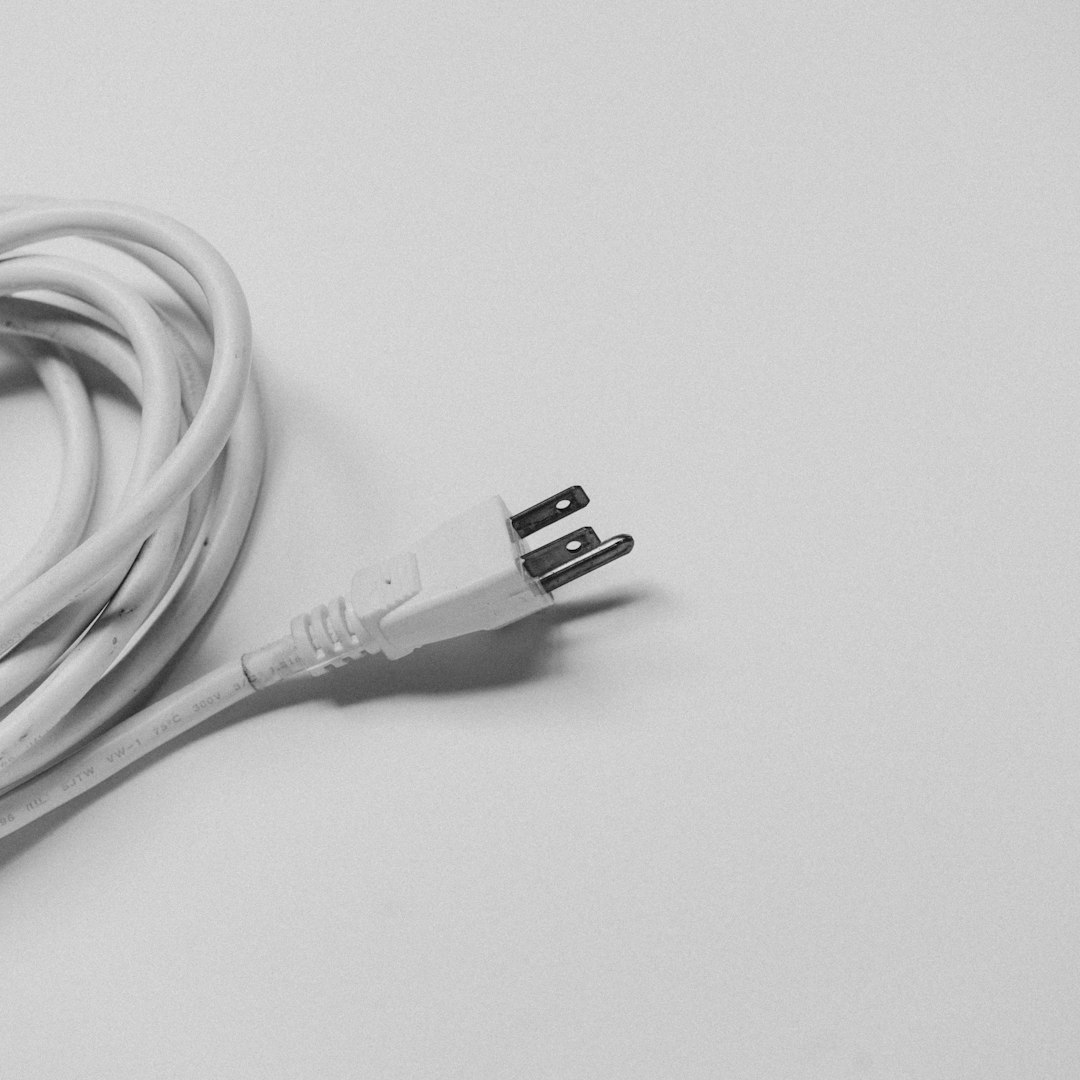
For Android phones using USB-C, the cable should support the wattage required by the device. For iPhones, the cable should be an Apple-certified cable. Uncertified Lightning cables may charge slowly, fail unexpectedly, or trigger accessory warnings.
Best fix: The user should test the phone with a different high-quality cable that is known to support fast charging. If fast charging returns, the original cable is the problem.
Verify the Power Adapter
The power adapter matters just as much as the cable. A small 5-watt or 10-watt charger may charge a phone, but it will not provide fast charging for most modern devices. Many phones no longer include a power adapter in the box, so users often reuse older chargers without realizing they are too weak.
The charger label usually lists output specifications, such as 5V/3A, 9V/2.22A, or 20V/3.25A. The total wattage is calculated by multiplying volts by amps. For example, 9 volts at 2 amps equals 18 watts.
- iPhone fast charging: Often requires a USB-C adapter of 20 watts or higher.
- Samsung fast charging: May require USB Power Delivery with PPS support for Super Fast Charging.
- Google Pixel: Typically works best with USB-C Power Delivery chargers.
- OnePlus, Oppo, Vivo, and similar brands: May need a proprietary charger and cable for maximum speed.
A charger can also become faulty over time. If it overheats, buzzes, smells unusual, or charges all devices slowly, it should be replaced immediately. Cheap, uncertified chargers can damage batteries or create safety risks.
Clean the Charging Port Carefully
Dust, lint, and pocket debris inside the charging port can prevent the cable from making a solid connection. This is especially common when a phone is carried in a pocket or bag. A dirty port may cause slow charging, intermittent charging, or failure to detect fast charging.
The charging plug should fit firmly into the port. If it feels loose, does not insert fully, or charges only when held at a certain angle, debris or port damage may be present.

To clean the port safely, the phone should be powered off first. A soft, dry brush or a plastic toothpick can be used gently to remove lint. Compressed air may help, but it should be used carefully and not at extremely high pressure. Metal tools, liquids, and sharp objects should be avoided because they can damage the pins inside the port.
Important: If the port looks bent, corroded, burned, or physically damaged, the device should be inspected by a repair professional instead of being cleaned aggressively.
Restart the Phone and Check Software
Software glitches can interfere with charging behavior. A simple restart may reset charging detection and restore fast charging. The user should also check for system updates, because manufacturers sometimes release fixes for battery management, charging stability, and temperature control.
On Android, the user can check for updates in the system settings. Battery-related settings may also include charging optimization, adaptive charging, battery protection, or charging speed options. Some Samsung phones, for example, allow fast charging to be toggled on or off in battery settings.
On iPhone, iOS may slow charging because of Optimized Battery Charging or Clean Energy Charging, depending on region and settings. These features are designed to protect battery health or reduce carbon impact, but they may delay charging past 80% in certain situations.
- Restart the device.
- Install pending software updates.
- Check battery and charging settings.
- Disable charging optimization temporarily for testing.
- Try charging while the phone is locked and not in heavy use.
Watch for Heat and Battery Temperature
Heat is a major reason fast charging slows down. Phones reduce charging speed automatically when the battery gets too hot. This protects the battery from damage and reduces safety risks. A device may become hot because of gaming, video recording, navigation, direct sunlight, thick cases, or charging on a soft surface that traps heat.
If the phone is hot, it should be unplugged and allowed to cool. The case can be removed, and the phone should be placed in a shaded, ventilated area. It should not be placed in a refrigerator or freezer, because sudden temperature changes can cause condensation and internal damage.
Fast charging works best when the phone is cool, idle, and placed on a hard surface. If the user is playing games or streaming video while charging, the phone may choose slower charging to control temperature.
Consider Battery Health and Age
Battery health affects charging speed. As lithium-ion batteries age, they lose capacity and become less efficient. The phone may limit fast charging to reduce stress on an older battery. This can happen after hundreds of charge cycles or several years of daily use.
iPhones show battery health information in Settings under Battery. If maximum capacity is significantly reduced or the phone displays a service message, battery replacement may improve performance and charging behavior. Some Android phones also include battery health information, while others require manufacturer diagnostics or service center testing.
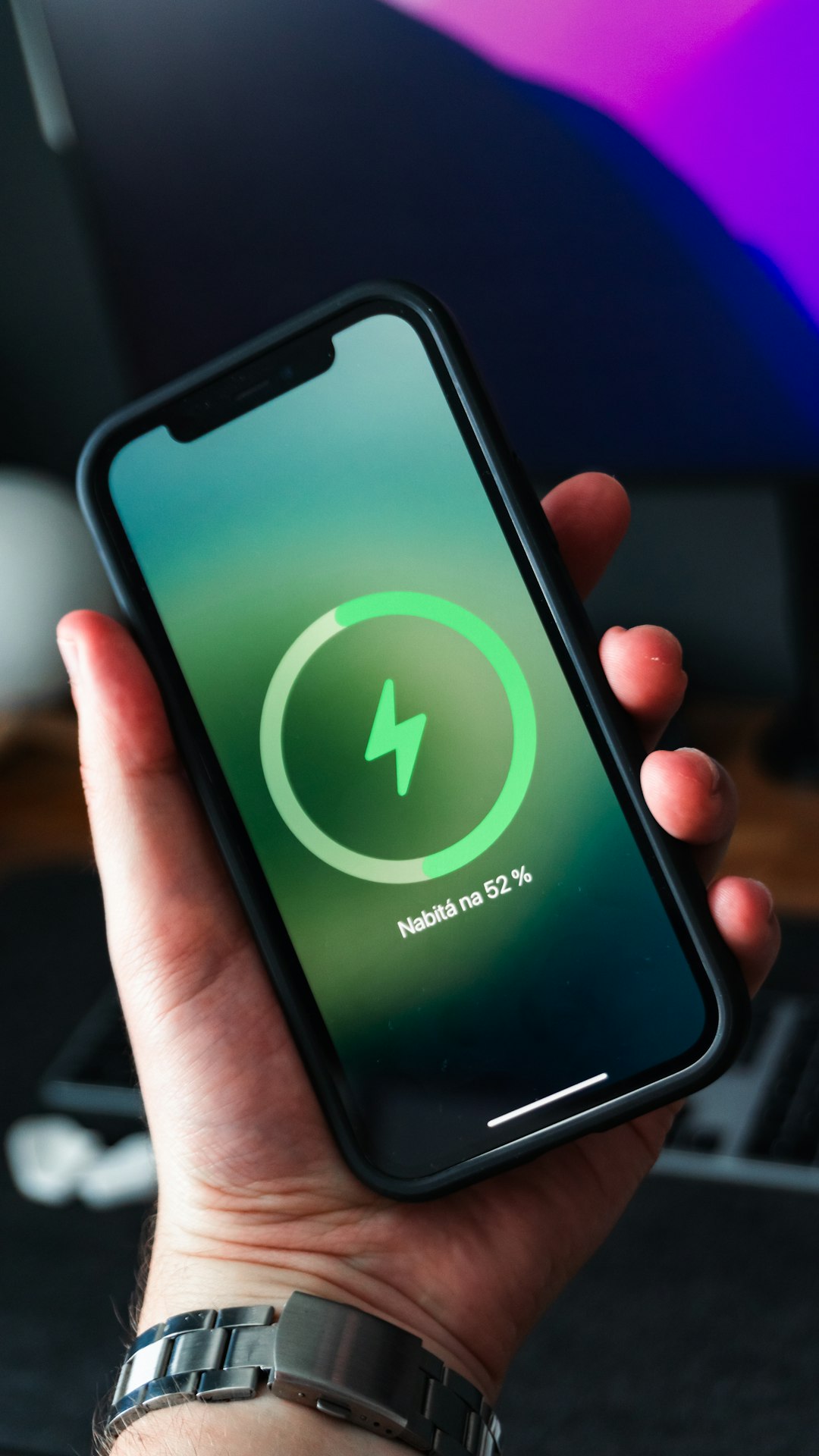
Signs of battery problems include sudden shutdowns, rapid battery drain, swelling, overheating, or charging that gets stuck at a certain percentage. A swollen battery is a serious safety issue and should be handled by professionals immediately.
Test with a Known Good Charger Setup
The easiest way to isolate the issue is to test the phone with a known good fast charging setup. This means using a certified adapter and cable that successfully fast charge another compatible device. If the phone fast charges with the other setup, the original cable or adapter is faulty. If it still charges slowly, the problem may be with the phone, port, battery, or software.
The user should also test the original charger with another phone. If the second phone also charges slowly, the charger setup is likely the problem. This cross-testing saves time and prevents unnecessary repairs.
Wireless Charging May Be Slower
Some users expect wireless charging to match wired fast charging, but wireless charging is often slower and more heat-sensitive. Even phones that support fast wireless charging may require a specific wireless charger and adapter. Thick cases, metal plates, poor alignment, and heat can reduce wireless charging speed.
If fast wired charging works but fast wireless charging does not, the charging pad, wall adapter, case, or alignment may be the cause. For the fastest and most reliable charging, wired charging is usually better.
When Professional Repair Is Needed
If the phone does not fast charge after testing multiple certified cables and adapters, cleaning the port, restarting the device, updating software, and checking battery health, hardware damage may be involved. The charging port may be worn, the battery may be degraded, or the charging circuit may have failed.
Professional service is recommended when the port is loose, the phone only charges at an angle, charging stops randomly, the device overheats, or the battery is swollen. For iPhones, Apple or an authorized service provider can check the battery and charging system. For Android devices, the manufacturer or a qualified repair shop can run diagnostics and replace faulty parts.
Fast Charging Prevention Tips
- Use certified cables and adapters from trusted brands.
- Avoid pulling the cable out by the cord.
- Keep the charging port clean and dry.
- Do not charge the phone under a pillow or blanket.
- Remove thick cases if the phone gets hot while charging.
- Update the phone software regularly.
- Replace worn cables before they fail completely.
FAQ
Why is the phone charging slowly even with a fast charger?
The phone may be using a cable that does not support fast charging, a charger with the wrong standard, or a dirty charging port. Heat, battery health, and software settings can also reduce charging speed.
Does every USB-C cable support fast charging?
No. Some USB-C cables are designed only for basic charging or data transfer. Fast charging often requires a cable rated for higher current or wattage.
Why does fast charging stop at 80%?
Many phones slow charging after 80% to protect battery health. iPhones and Android phones may also use optimized charging features that delay the final part of charging.
Can a dirty charging port prevent fast charging?
Yes. Dust or lint can block a stable connection between the cable and the phone. This can cause slow charging, intermittent charging, or no charging at all.
Is it bad to use a higher wattage charger?
Usually no, as long as the charger is certified and compatible. The phone controls how much power it draws. However, cheap or uncertified chargers should be avoided.
Why does the phone get hot while fast charging?
Fast charging creates more heat than slow charging. The phone may also heat up because of apps, gaming, poor ventilation, or direct sunlight. If it gets too hot, it will slow charging automatically.
When should the battery be replaced?
The battery may need replacement if it drains quickly, overheats, charges inconsistently, shows low health, or causes the phone to shut down unexpectedly. A swollen battery requires immediate professional service.