
Choosing between the free and paid versions of DaVinci Resolve can be challenging, especially for creators who want professional-grade tools without overspending. Blackmagic Design offers two editions: DaVinci Resolve (Free) and DaVinci Resolve Studio. Both are powerful video editing solutions used by hobbyists and Hollywood professionals alike. The key question is not whether either version is good—but which one fits specific creative and technical needs.
TLDR: DaVinci Resolve Free is more than capable for most YouTubers, social media creators, and beginner filmmakers. It includes professional editing, color grading, audio post-production, and visual effects tools at no cost. DaVinci Resolve Studio adds advanced features like AI tools, noise reduction, HDR grading, and GPU acceleration. The Studio version is ideal for professionals, commercial editors, and those working on high-end productions.
Contents
Understanding DaVinci Resolve
DaVinci Resolve is an all-in-one post-production suite that combines video editing, color correction, visual effects, motion graphics, and audio production into a single application. Unlike many competitors that require separate programs for different tasks, Resolve integrates everything into one streamlined workflow.
The software is divided into several main workspaces:
- Media – File management and organization
- Cut – Fast editing interface
- Edit – Advanced timeline editing
- Fusion – Visual effects and compositing
- Color – Professional color grading
- Fairlight – Audio editing and mixing
- Deliver – Export settings and rendering
Both the Free and Studio versions include all of these pages. The difference lies in the depth and advanced capabilities available in some tools.
What You Get with DaVinci Resolve (Free)
The free version of DaVinci Resolve is widely regarded as one of the most generous offerings in the editing industry. It includes:
- Unlimited video editing with professional tools
- Advanced color grading features
- Fusion visual effects (node-based compositing)
- Fairlight audio post-production tools
- Support for export up to 4K resolution
- Wide format compatibility
For many users, this version is more than enough. Independent filmmakers, YouTubers, educators, and social media managers can complete entire projects—from rough cut to final delivery—without paying anything.
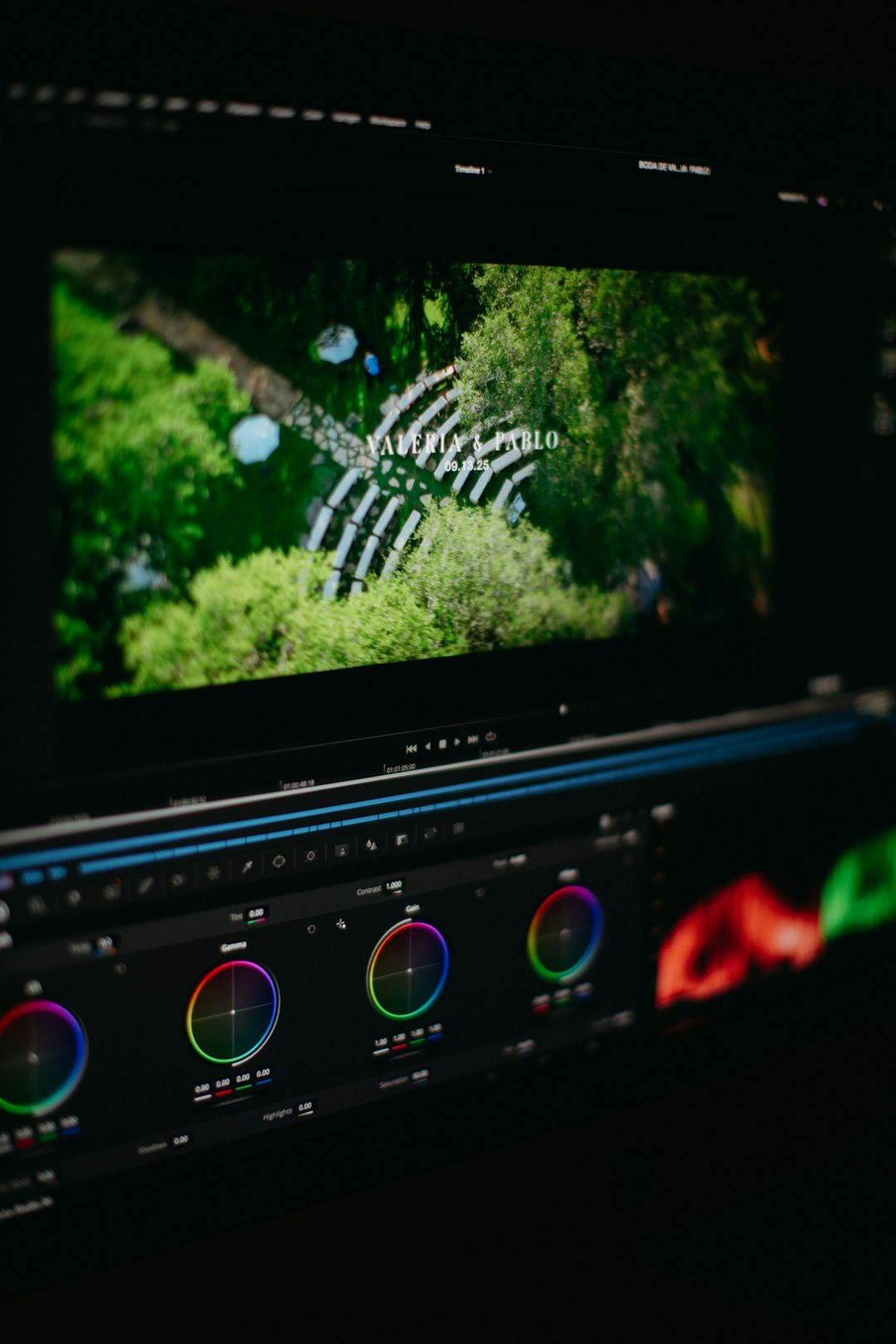
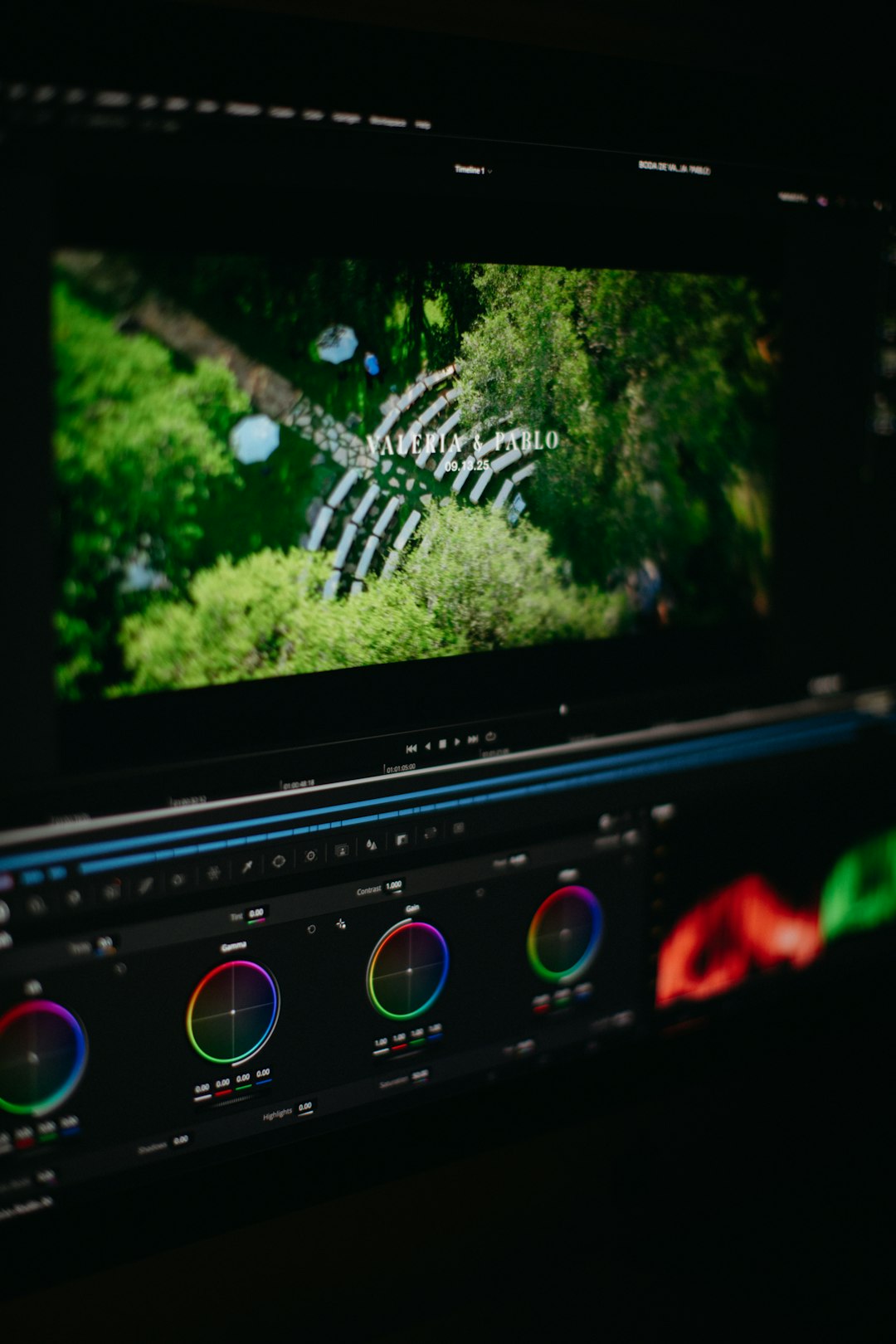
One of its strongest advantages is the professional color grading toolset. Even the free version includes the same node-based color workflow that professional colorists use in film and television.
Limitations of the Free Version
While generous, the free version does have some restrictions:
- No advanced temporal and spatial noise reduction
- No HDR grading tools
- Limited AI-based features
- Restricted GPU acceleration in some cases
- No support for certain high-end codecs and 10-bit 4:2:2 formats on some systems
- Limited collaboration tools
Most beginners will not immediately notice these gaps. However, professionals working with demanding footage or tight turnaround schedules may find these limitations significant.
What You Get with DaVinci Resolve Studio
DaVinci Resolve Studio is the paid version of the software. It requires a one-time purchase rather than a subscription, which makes it appealing compared to many competing editing platforms.
Studio includes everything in the free version, plus additional advanced features designed for professional workflows.
Key Studio Features
- DaVinci Neural Engine (AI tools)
- Magic Mask for object and person tracking
- Smart Reframe for social media formats
- Object removal tools
- Advanced facial retouching
- Temporal and spatial noise reduction
- HDR color grading tools
- Stereoscopic 3D tools
- Multi-user collaboration over network
- Support for resolutions above 4K
- Enhanced GPU acceleration
These features can significantly speed up workflows and improve production value—especially in commercial, broadcast, and cinematic environments.
Performance Differences
One of the most noticeable differences between the two versions is performance optimization. Studio leverages multiple GPUs and advanced hardware acceleration more effectively than the free version. For editors working with:
- RAW footage
- High frame rate video
- 8K resolution
- Complex Fusion effects
Studio often provides smoother playback and faster rendering.
Additionally, the noise reduction tools in Studio are particularly valuable. Professional cinematographers shooting in low-light environments often rely on these tools to clean footage without sacrificing detail.
AI Features: A Major Differentiator
Blackmagic Design has integrated AI-powered tools into the Studio version through the DaVinci Neural Engine. These features can dramatically reduce editing time.
For example:
- Magic Mask allows editors to automatically track and isolate subjects.
- Smart Reframe reformats horizontal content into vertical or square formats for social platforms.
- Voice Isolation improves dialogue clarity.
- Speed Warp enhances retiming quality.
For content creators producing high volumes of content, these tools can pay for the software quickly in time savings alone.
Who Should Choose the Free Version?
DaVinci Resolve Free is ideal for:
- Beginners learning video editing
- YouTubers producing 1080p or 4K content
- Students studying filmmaking
- Freelancers working on smaller projects
- Editors who do not require advanced noise reduction or HDR
For many users, upgrading is unnecessary until specific technical needs arise. The free version is not a trial—it is a fully capable professional editing environment.
Who Should Choose Studio?
DaVinci Resolve Studio is best suited for:
- Professional filmmakers
- Commercial production houses
- Colorists working on HDR projects
- Editors working with 6K or 8K footage
- Teams requiring collaboration features
- Creators who heavily rely on AI tools
Studios working on feature films or streaming content often consider the Studio version essential due to its advanced grading controls and codec support.
Cost Consideration
Unlike subscription-based competitors, DaVinci Resolve Studio is available for a one-time purchase. This makes it especially attractive over the long term. Frequent updates are typically included at no additional cost.
For creators planning to use the software for several years, the Studio version can be a cost-effective investment compared to monthly subscription models.
Final Verdict: Which Version Should You Use?
There is no universal answer. The decision depends on production demands, file formats, hardware capabilities, and workflow requirements.
If editing needs are standard—4K delivery, basic color grading, and single-user workflows—the free version is sufficient.
If projects involve HDR, heavy noise reduction, AI tracking, high-resolution formats, or team collaboration—Studio becomes worth the upgrade.
Many professionals recommend starting with the free version. If workflow limitations appear, upgrading is seamless since projects transfer directly between versions.
Frequently Asked Questions (FAQ)
1. Is DaVinci Resolve Free really free?
Yes. It is not a trial version and does not expire. Users can access professional editing, color grading, Fusion, and Fairlight tools permanently at no cost.
2. Can projects move from Free to Studio?
Yes. Projects created in the free version open seamlessly in Studio. However, Studio-only effects will not function if moved back to the free edition.
3. Is Studio worth it for YouTubers?
It depends on workflow. Many YouTubers are fully satisfied with the free version. However, those who want Smart Reframe, advanced noise reduction, or faster rendering may benefit from Studio.
4. Does the free version support 4K?
Yes. The free version allows exports up to 4K resolution, which is sufficient for most online content creators.
5. What is the biggest advantage of Studio?
The combination of AI-powered tools, advanced noise reduction, HDR grading, and improved GPU acceleration makes Studio significantly more powerful for professional workflows.
6. Is DaVinci Resolve good for beginners?
Yes. While the interface can seem complex at first, beginners can grow into the software without needing to switch platforms later.
7. Do professionals use DaVinci Resolve Free?
Some independent professionals do, particularly for simpler projects. However, high-end film and broadcast environments typically rely on the Studio version.
Ultimately, both versions of DaVinci Resolve are remarkably capable. The free edition lowers the barrier to entry for creators everywhere, while Studio unlocks the full power of modern post-production. The right choice depends less on budget and more on creative ambition and technical requirements.