
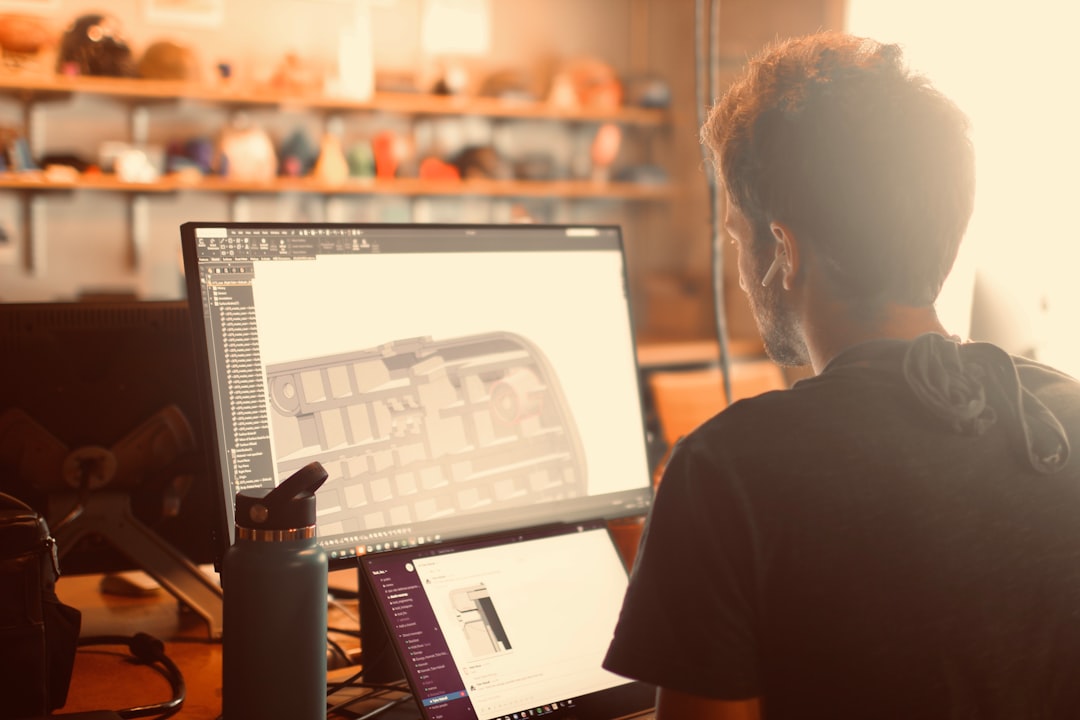
Architectural drafting has come a long way. No more giant drawing boards and clouds of eraser dust. Today, professionals mix classic skills with smart digital tools. The result? Faster workflows. Cleaner drawings. Better buildings.
TLDR: Modern architectural drafting uses a mix of powerful software and precise hardware tools. Programs like AutoCAD, Revit, and SketchUp help create accurate 2D and 3D models. Visualization and rendering tools bring designs to life. Cloud platforms and tablets make teamwork and on-site edits easier than ever.
Let’s explore 8 architectural design tools that make professional drafting smoother, faster, and more fun.
Contents
1. AutoCAD
If architectural drafting had a superstar, it would be AutoCAD. This software has been around for decades. And it’s still one of the most trusted tools in the industry.
AutoCAD is mainly used for:
- 2D drafting
- Precise technical drawings
- Floor plans
- Sections and elevations
It’s known for its precision. Every line can be measured exactly. Every angle can be controlled. This matters in construction. A few millimeters can make a big difference.
Professionals love AutoCAD because:
- It is highly accurate.
- It supports layers for better organization.
- It integrates with other design programs.
It may feel complex at first. But once you master it, drafting becomes smooth and structured.

2. Revit
Revit is more than just drafting software. It’s a full Building Information Modeling (BIM) tool.
What is BIM? It’s a smarter way to design buildings. Instead of just drawing lines, you create intelligent building elements.
Walls know they are walls. Doors know they are doors.
That means:
- Changes update automatically.
- Schedules update in real time.
- Everyone works from the same model.
If you move a wall in one view, it moves in all views. No extra editing. No missed changes.
Revit is ideal for:
- Large building projects
- Team collaboration
- Detailed construction documentation
It reduces human error. It saves time. And it keeps teams aligned.
3. SketchUp
Need something visual and quick? SketchUp is your friend.
SketchUp is famous for its easy-to-use interface. Beginners love it. Professionals use it for quick 3D models.
You can:
- Create 3D massing models fast
- Test ideas quickly
- Present concepts to clients
It is perfect in early design stages. You can explore shapes. Play with volumes. Adjust proportions.
It also includes a large online library of pre-made components. Furniture. Doors. Trees. People.
This makes presentations more realistic without extra effort.

4. Rhino
Some buildings are not simple boxes. They curve. They twist. They flow.
That’s where Rhinoceros 3D, or Rhino, shines.
Rhino is known for:
- Advanced 3D modeling
- Complex geometries
- Parametric design support
Architects use it for modern structures with unique shapes. Stadiums. Museums. Experimental homes.
With plugins like Grasshopper, designers can create parametric models. This means designs react to rules and data.
Change one value. The whole form adjusts.
It’s powerful. And creative.
5. Adobe Photoshop
You might be surprised to see Photoshop on this list. But it plays a big role in architectural drafting.
After technical drawings are complete, they often need presentation polish.
Photoshop helps with:
- Rendering touch-ups
- Adding textures
- Enhancing lighting
- Creating presentation boards
Black-and-white plans can become vibrant visuals. Simple elevations turn into realistic street views.
It helps architects communicate ideas clearly. And clients love beautiful images.
6. Lumion
Want to impress clients? Use Lumion.
Lumion is a real-time rendering tool. It transforms 3D models into lifelike visuals.
You can add:
- Sunlight and shadows
- Weather effects
- Trees and plants
- People and cars
- Water reflections
The result feels cinematic.
Instead of just showing a building, you show an experience. Morning light entering the living room. Rain hitting the roof. People walking by.
This emotional impact can help win projects.

7. Digital Drawing Tablets
Not all drafting tools are software. Hardware matters too.
Digital drawing tablets allow architects to sketch naturally. Just like pen and paper. But better.
Popular features include:
- Pressure-sensitive pens
- Screen displays you can draw on
- Easy connection to design software
They are perfect for:
- Quick concept sketches
- Annotating drawings
- On-site edits
Some architects prefer starting every project with a hand sketch. Tablets keep that creative freedom alive. But everything stays digital and easy to share.
8. Cloud Collaboration Platforms
Architecture is teamwork. Engineers. Interior designers. Contractors. Clients.
Cloud platforms help everyone stay connected.
These tools allow teams to:
- Share drawings instantly
- Track revisions
- Comment directly on plans
- Access files from any location
No more emailing 15 versions of the same file.
Everyone works on the latest version. Mistakes drop. Efficiency rises.
This is especially powerful for large or international projects.
Why These Tools Matter
You might wonder. Do you really need all these tools?
Not always. It depends on the project.
But professional drafting today is about:
- Accuracy
- Speed
- Collaboration
- Presentation
Each tool supports one or more of these goals.
For example:
- AutoCAD ensures precise technical drawings.
- Revit improves coordination.
- SketchUp speeds up concept design.
- Lumion enhances visual storytelling.
Together, they create a complete workflow.
How Professionals Combine Them
In real projects, architects rarely use just one tool.
A common workflow might look like this:
- Start with hand sketches on a tablet.
- Build a quick 3D model in SketchUp.
- Develop detailed drawings in Revit or AutoCAD.
- Export the model to Lumion for rendering.
- Polish presentation boards in Photoshop.
- Share everything via a cloud platform.
This layered approach saves time. It reduces rework. It improves quality.
Every stage has the right tool.
The Future of Drafting
Architecture keeps evolving.
Tools are becoming smarter. Faster. More connected.
We now see:
- AI-assisted design suggestions
- Real-time collaboration across continents
- Virtual reality walkthroughs
- Augmented reality on construction sites
But despite the technology, one thing stays the same.
Design starts with ideas.
Tools simply help bring those ideas to life.
Final Thoughts
Architectural drafting is both technical and creative. It requires precision. But also imagination.
The right tools make a big difference.
They help you:
- Draw accurately
- Design boldly
- Collaborate smoothly
- Present beautifully
Whether you are designing a small home or a massive skyscraper, these 8 tools can support your journey.
Master them step by step. Stay curious. Keep experimenting.
Because in architecture, great tools do not replace creativity.
They amplify it.