
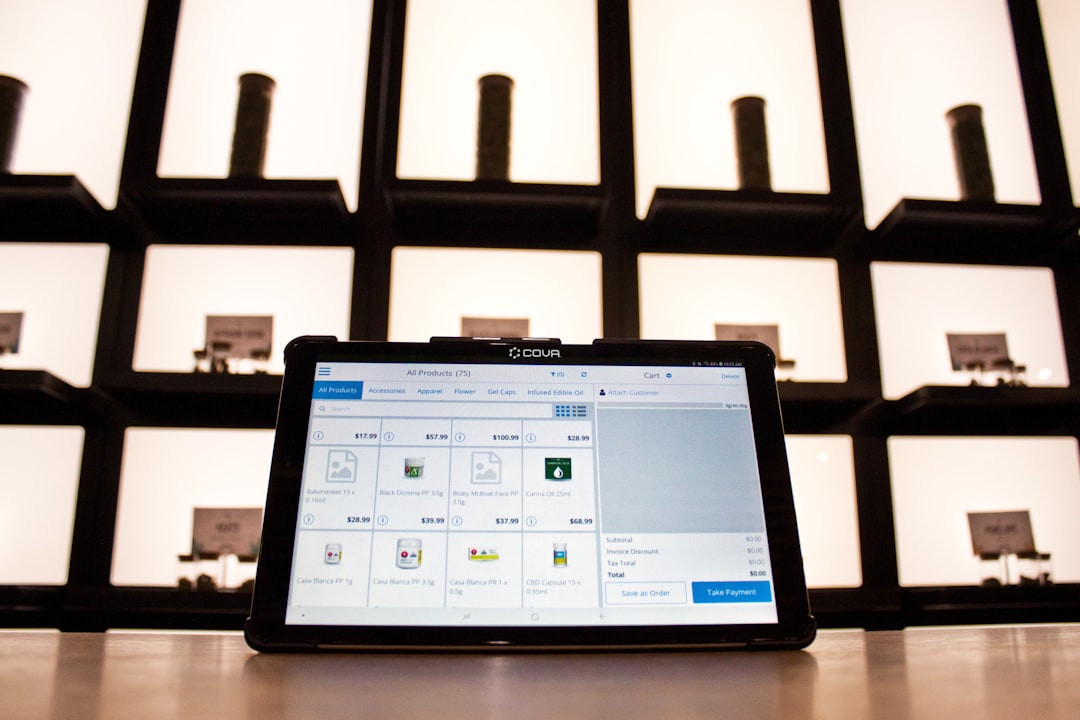
Walk into any great store and you will notice something special. Products feel easy to find. Shelves look neat. Bestsellers sit at eye level. That magic is not luck. It is planning. And today, smart retailers use retail planogram apps to make it happen faster and better than ever.
TLDR: Retail planogram apps help stores design smarter shelf layouts. They let you visualize products, test ideas, and boost sales without guessing. These tools save time, reduce mistakes, and improve customer experience. If you want better shelves and higher profits, planogram software is your new best friend.
Let’s break it down in a fun and simple way.
Contents
What Is a Planogram?
A planogram is a visual map of where products should go in a store. Think of it as a blueprint for shelves.
It shows:
- Where each product sits
- How many items face forward
- How much shelf space each brand gets
- What goes at eye level
In the past, managers drew these by hand. Or used spreadsheets. That was slow. And messy.
Now? Apps do the heavy lifting.
Why Store Layout Matters So Much
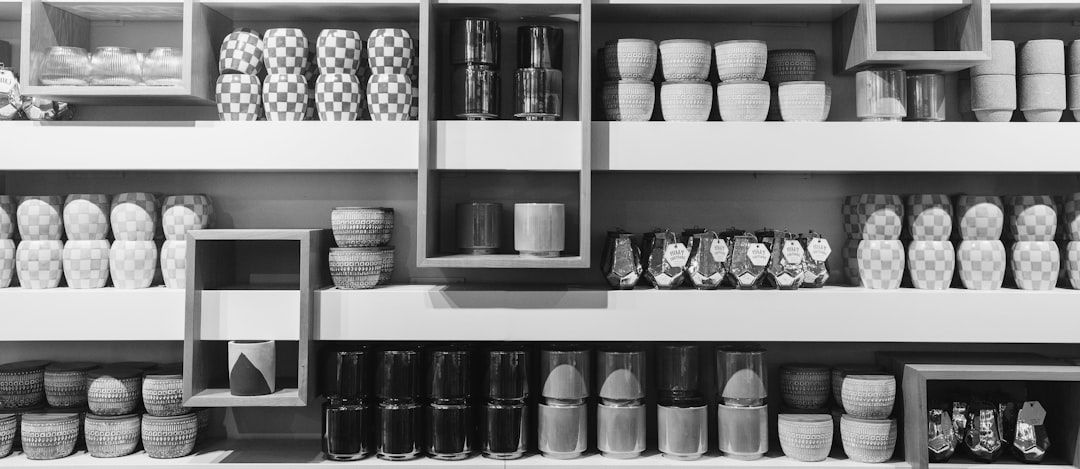
Store layout is not just about looking nice. It directly affects sales.
Here is why:
- Eye-level products sell more. People notice them first.
- Grouped items increase basket size. Chips near salsa? Yes, please.
- Clear layouts reduce stress. Customers stay longer.
- Smart placement boosts impulse buys.
Small changes can mean big profit jumps. Moving one high-margin product to a better shelf can increase revenue fast.
That is why visualization tools matter.
What Retail Planogram Apps Actually Do
At their core, these apps help stores:
- Create digital shelf layouts
- Drag and drop products into position
- Measure shelf space automatically
- Test different setups
- Track performance
- Share layouts with teams instantly
No more printing pages and taping them to stockroom walls.
No more guesswork.
Everything is visual. And measurable.
Key Features to Look For
Not all planogram tools are equal. Here are features that really matter:
1. Drag and Drop Interface
Easy movement of products. No coding. No confusion.
2. 3D Visualization
See shelves as they will look in real life.
3. Real-Time Data Integration
Connect sales numbers to shelf space. Make decisions based on facts.
4. Multi-Store Management
Push layouts to dozens or hundreds of locations instantly.
5. Compliance Tracking
Check if stores follow the planned layout.
The best apps combine design and analytics.
Popular Retail Planogram Apps
Here are some well-known tools retailers use today:
1. Blue Yonder Planogram Generator
- Strong data analytics
- AI-powered optimization
- Great for large retail chains
2. SmartDraw Planogram Software
- Easy to use
- Works well for small and mid-sized stores
- Simple visual tools
3. DotActiv
- Advanced reporting features
- Financial analysis tools
- Category management support
4. Relex Solutions
- Space optimization
- Demand forecasting integration
- Automation features
5. Planorama
- Mobile-friendly
- Great compliance tracking
- Strong in visual merchandising
Comparison Chart
| Tool | Best For | Ease of Use | Analytics Power | 3D Visualization |
|---|---|---|---|---|
| Blue Yonder | Large chains | Medium | Very High | Yes |
| SmartDraw | Small retailers | High | Basic | Limited |
| DotActiv | Category managers | Medium | High | Yes |
| Relex | Data driven teams | Medium | Very High | Yes |
| Planorama | Field compliance | High | Medium | Yes |
How These Apps Boost Profits
Here is where it gets exciting.
Retail planogram apps help increase:
- Sales per square foot
- Inventory turnover
- Promotional success
- Customer satisfaction
Imagine knowing exactly how many facings a product needs to avoid running out. Imagine testing shelf layouts before moving a single item physically.
That saves labor hours. And prevents costly mistakes.
Real-World Example
Let’s say a grocery store notices cereal sales dropping.
Using a planogram app, they discover:
- High-profit cereal is on the bottom shelf
- Kids cereal takes too much prime space
- A competitor brand dominates eye level
They adjust the layout digitally. Test projections. Then roll it out.
Two weeks later?
Sales climb 12%.
That is the power of smart visualization.
Benefits for Different Types of Retailers
Small Businesses
- Maximize limited space
- Compete with bigger brands
- Make smarter inventory decisions
Retail Chains
- Standardize layouts across locations
- Ensure brand consistency
- Scale quickly
Pop-Up Stores
- Plan temporary layouts fast
- Test product mixes
- Create visual impact quickly
No matter the store size, layout affects results.
The Role of 3D and AI
Modern apps now include 3D views and artificial intelligence.
3D helps teams:
- Walk through virtual aisles
- Spot empty spaces easily
- Improve visual merchandising
AI helps by:
- Recommending optimal product placement
- Predicting demand
- Adjusting space allocation automatically
The result? Faster decisions. Smarter stores.
Common Mistakes to Avoid
Even with great software, mistakes happen.
Watch out for:
- Ignoring real sales data
- Overcrowding shelves
- Failing to update layouts seasonally
- Not training staff properly
The app is a tool. People still need to use it wisely.
How to Choose the Right App
Ask these simple questions:
- How many stores do we manage?
- Do we need advanced analytics?
- Is ease of use important for staff?
- What is our budget?
- Does it integrate with our POS system?
Start small if needed. Many apps offer demos.
Test before you commit.
The Future of Store Layout Optimization
Retail keeps evolving.
In the future, we will see:
- More automation
- Real-time shelf sensors
- Augmented reality planning
- AI-generated layouts based on live trends
Stores may even simulate customer movement paths before opening.
Imagine designing shelves based on how shoppers actually walk.
That future is closer than you think.
Final Thoughts
Retail is both art and science.
Great displays catch the eye. Smart data drives results.
Retail planogram apps bring these two worlds together.
They remove guesswork. They save time. And they help turn shelf space into real profit.
If you run a store, manage categories, or oversee merchandising, these tools are worth exploring.
Because in retail, every inch matters.
And now, you can control every inch with confidence.