
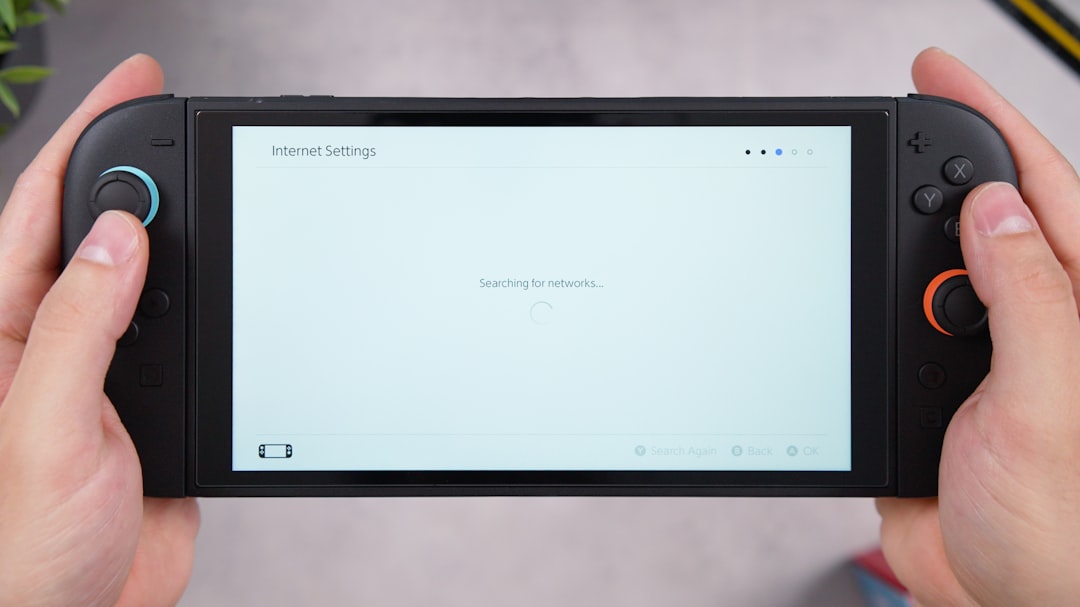
Arma Reforger is known for its realism, tactical depth, and immersive military simulation gameplay. While many players associate the series with mouse and keyboard controls due to its complex mechanics, a common question continues to surface: can it be played effectively with a controller? With the game available on both PC and Xbox platforms, understanding controller compatibility and setup options is essential for players who prefer analog sticks over a traditional keyboard layout.
TLDR: Yes, Arma Reforger can be played with a controller, especially on Xbox where it is fully supported. On PC, controller compatibility exists but may require manual setup, Steam configuration, or custom bindings for optimal performance. While a controller works well for core gameplay, advanced actions are often easier with a keyboard and mouse. Proper configuration and sensitivity adjustments are key to a good controller experience.
Below is a detailed guide explaining compatibility, setup steps, customization options, and performance considerations when using a controller in Arma Reforger.
Contents
Is Arma Reforger Controller Compatible?
Arma Reforger was designed with console support in mind, which means controller compatibility is built into the game. However, the experience differs slightly depending on the platform.
Xbox Compatibility
On Xbox Series X and Xbox Series S, the game is fully optimized for controllers. The interface, movement mechanics, inventory navigation, and vehicle controls all function seamlessly with an Xbox controller.
- Native controller support
- Pre-configured button layout
- Menu navigation optimized for analog input
- Smooth aim assist adjustments
Players on Xbox do not need additional setup steps beyond standard sensitivity customization.
PC Controller Support
On PC, the situation is slightly more nuanced. The game does support controllers, but the experience depends on:
- Controller type (Xbox, PlayStation, generic)
- Steam input configuration
- Custom key bindings
- Personal sensitivity tuning
Xbox controllers typically work best due to native Windows compatibility. PlayStation controllers can also function but may require Steam configuration settings.
How to Set Up a Controller on PC
Setting up a controller for Arma Reforger on PC is usually straightforward, but careful configuration improves gameplay significantly.
Step 1: Connect the Controller
- Plug in via USB cable, or
- Connect wirelessly through Bluetooth
Windows should detect the controller automatically.
Step 2: Enable Steam Input (If Needed)
- Open Steam
- Right-click Arma Reforger
- Select Properties
- Go to the Controller menu
- Enable Steam Input if custom mapping is required
Steam Input allows players to create personalized button mappings and sensitivity curves.
Step 3: Adjust In-Game Settings
Inside the game’s settings menu:
- Adjust horizontal and vertical sensitivity
- Fine-tune aim acceleration
- Modify dead zones for stick precision
- Reassign buttons for comfort
Because Arma Reforger contains complex controls (weapon switching, stance changes, leaning, radio communication), some players prefer customized layouts.
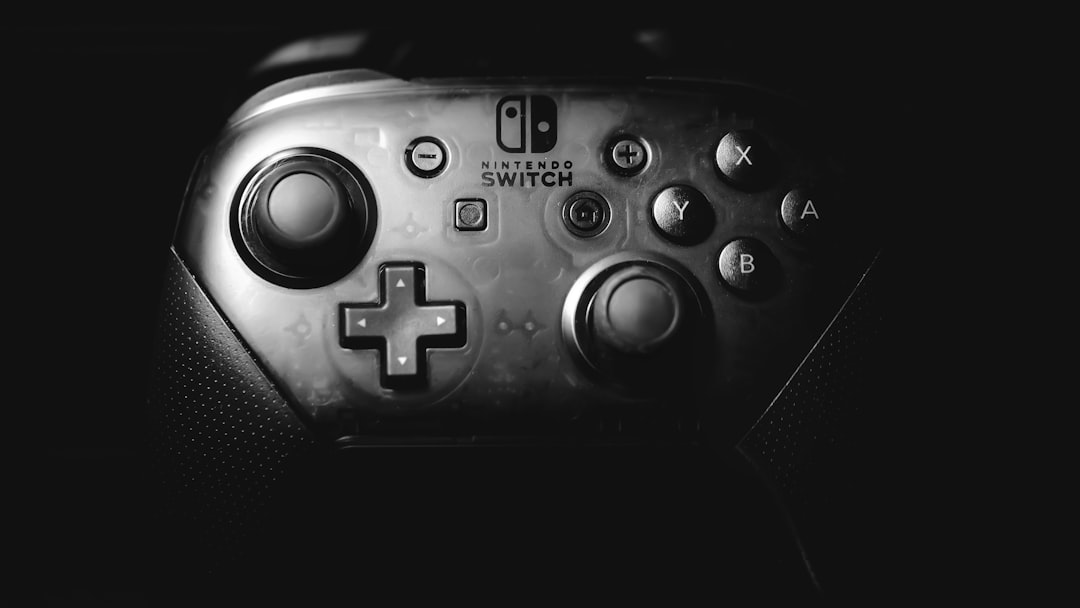
Controller vs Keyboard and Mouse: Performance Comparison
Although a controller works well, particularly for casual play or console users, Arma Reforger remains a tactical simulation with intricate mechanics. Below is a comparison chart outlining the differences between controller and keyboard/mouse setups.
| Feature | Controller | Keyboard & Mouse |
|---|---|---|
| Aiming Precision | Moderate (analog input) | High (mouse accuracy) |
| Button Accessibility | Limited buttons, requires combinations | Many individual keys |
| Vehicle Controls | Smooth analog steering | Digital input unless using wheel |
| Learning Curve | Moderate for new players | Steeper due to key complexity |
| Menu Navigation | Optimized on Xbox | Faster with mouse |
| Competitive Precision | Slightly reduced | Superior |
Overall, controllers offer comfort and simplicity, while keyboard and mouse provide tactical precision.
Advantages of Playing With a Controller
There are several legitimate benefits to using a controller:
- Comfort: Ideal for playing on a couch or larger screen
- Analog Movement: More fluid walking and vehicle steering
- Console-Like Experience: Matches Xbox gameplay style
- Accessibility: May be easier for some players physically
Some players transitioning from console shooters prefer the familiar layout rather than adapting to a keyboard-heavy control scheme.
Challenges of Using a Controller
Despite compatibility, there are certain limitations that players should consider.
Limited Button Availability
Arma Reforger includes mechanics such as:
- Leaning left and right
- Adjustable stance
- Inventory management
- Radio communication channels
- Weapon attachments switching
Controller layouts often rely on button combinations or radial menus to access these features.
Aiming Precision
Because the game focuses on realism and long-distance engagements, precise aiming is crucial. Controllers rely on analog sticks rather than pixel-accurate mouse input.
Lowering sensitivity and adjusting dead zones can improve control, but it may never match mouse precision at extreme ranges.
Menu Complexity
Inventory menus and command systems can feel slower when navigated with a controller compared to a mouse.
Image not found in postmetaBest Controller Settings for Arma Reforger
While every player has different preferences, these general recommendations improve efficiency:
- Lower aim sensitivity: Helps precision shooting
- Reduce dead zone: Prevents delayed or unresponsive movement
- Disable heavy aim acceleration: Enhances consistency
- Use custom button mapping: Prioritize leaning and stance control
- Assign quick-access items to bumpers: Speeds up equipment use
Experimenting with these settings for 30–60 minutes can dramatically improve the gameplay experience.
Is Controller Viable for Competitive Play?
For casual multiplayer matches and cooperative missions, controllers perform well enough that most players will not feel disadvantaged.
However, in highly competitive environments—particularly long-range firefights—keyboard and mouse setups generally provide a measurable advantage due to precision tracking.
That said, platform separation (Xbox vs PC servers in some cases) may reduce direct competition between input types.
Can You Switch Between Controller and Keyboard?
Yes. On PC, players can switch seamlessly between controller and keyboard/mouse during gameplay. This hybrid approach allows them to:
- Use controller for movement and vehicles
- Switch to mouse for sniping or inventory management
- Retain comfort while maintaining precision when needed
This flexibility makes PC one of the best platforms for players who want a customized control balance.
Final Verdict
So, can you play Arma Reforger with a controller? Absolutely. The game fully supports controllers on Xbox and offers workable compatibility on PC with some customization.
While keyboard and mouse remain the optimal choice for maximum precision and complex command execution, controllers provide a comfortable, accessible, and entirely viable alternative. The key lies in thoughtful setup and sensitivity tuning.
For players who value immersion, comfort, and console-style gameplay, using a controller is not only possible—it’s practical.
Frequently Asked Questions (FAQ)
1. Can you play Arma Reforger on PC with an Xbox controller?
Yes. Xbox controllers are natively supported in Windows and typically work immediately after connection. Some sensitivity adjustments may be necessary for optimal performance.
2. Does a PlayStation controller work with Arma Reforger?
Yes, but on PC it may require Steam Input configuration to map buttons correctly and ensure full compatibility.
3. Is aim assist available when using a controller?
Aim behavior depends on platform and server settings. Xbox versions have controller-balanced aiming systems, but PC servers may vary.
4. Is it harder to play Arma Reforger with a controller?
It can be slightly more challenging for precision shooting and complex command usage, but most standard gameplay elements remain fully manageable.
Yes. Both in-game settings and Steam Input allow advanced button remapping and sensitivity adjustments.
6. Is controller viable for competitive multiplayer?
It is viable for casual and cooperative modes. However, keyboard and mouse generally provide better precision for competitive scenarios.
7. Should beginners start with a controller or keyboard?
It depends on personal preference. Console players may feel more comfortable with a controller, while PC veterans often prefer keyboard and mouse for tactical efficiency.