
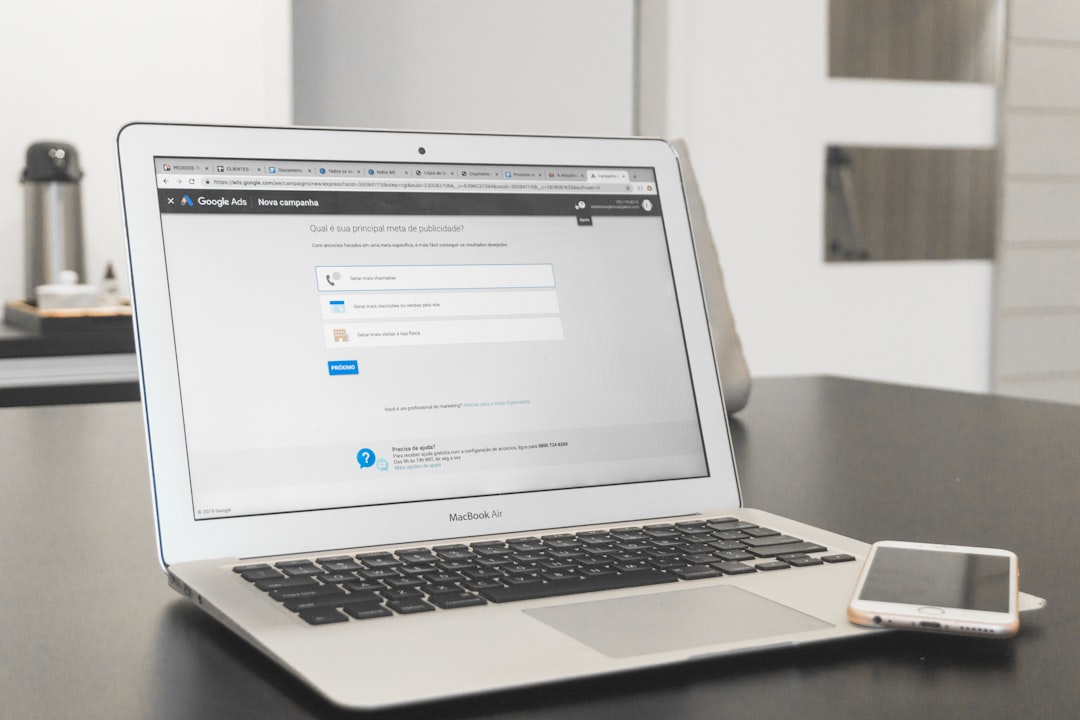
Starting a website used to be hard. You needed coding skills. You needed money. You needed patience. Today, things are different. All-in-one website builders make launching online simple, fast, and even fun. You can build a blog, a store, or a business site in a weekend. No tech degree required.
TLDR: All-in-one website builders let you design, launch, and grow a website without coding. They combine hosting, design tools, marketing features, and analytics in one place. Wix, Squarespace, Shopify, Webflow, and Zyro are top options depending on your needs. Pick the one that matches your goals, budget, and skill level.
In this guide, we break everything down. Simple words. Short sentences. Clear choices. Let’s go.
Contents
What Is an All-in-One Website Builder?
An all-in-one website builder is a platform that gives you everything in one place. You get:
- Templates to design your site
- Hosting to keep it online
- Domain tools for your web address
- Marketing features like email and SEO
- Ecommerce tools if you want to sell
You don’t need to install anything. You don’t need to hire developers. You just log in and build.

Why Use an All-in-One Builder?
Because it saves time. And money.
Instead of juggling five different tools, you use one system. Everything works together. Updates are automatic. Security is handled for you.
It is perfect for:
- Small business owners
- Freelancers
- Bloggers
- Online stores
- Coaches and creators
Now let’s look at the best options available today.
1. Wix – Best for Beginners
Wix is easy. Very easy.
It uses drag-and-drop editing. You click. You move things around. You see changes instantly.
Pros:
- Hundreds of templates
- Beginner-friendly editor
- Built-in SEO tools
- App marketplace for extra features
Cons:
- Templates cannot be switched later
- Can feel overwhelming due to many options
Wix is ideal if you want full creative control without touching code.
2. Squarespace – Best for Beautiful Design
If looks matter most, Squarespace shines.
Its templates are clean. Modern. Stylish. Photographers and creatives love it.
Pros:
- Stunning templates
- Built-in blogging tools
- Strong ecommerce features
- Reliable performance
Cons:
- Less design freedom than Wix
- Slight learning curve
Squarespace is perfect for portfolios, restaurants, and creative businesses.

3. Shopify – Best for Online Stores
Want to sell products? Choose Shopify.
It is built for ecommerce. Everything revolves around selling.
Pros:
- Powerful inventory management
- Secure payment options
- Thousands of apps
- Scales as you grow
Cons:
- Monthly cost can grow with apps
- Less flexible for non-store content
If your main goal is to run an online shop, Shopify is one of the strongest choices.
4. Webflow – Best for Advanced Customization
Webflow is for people who want more control.
Designers love it. Developers respect it.
You can build complex layouts. You can fine-tune animations. You can customize deeply.
Pros:
- Advanced design flexibility
- Clean code output
- CMS capabilities
Cons:
- Steeper learning curve
- More technical than others
If you want power without fully coding, Webflow balances both worlds.
5. Zyro – Best for Simplicity and Budget
Zyro keeps things simple.
It is affordable. Fast to set up. Easy to use.
Pros:
- Low pricing plans
- AI tools for content help
- Clean interface
Cons:
- Fewer advanced features
- Limited customization compared to others
Zyro works well for small projects and starter businesses.

Comparison Chart
| Platform | Best For | Ease of Use | Ecommerce | Customization | Starting Price |
|---|---|---|---|---|---|
| Wix | Beginners | Very Easy | Good | High | Moderate |
| Squarespace | Design-focused sites | Easy | Strong | Medium | Moderate |
| Shopify | Online stores | Easy | Excellent | Medium | Higher |
| Webflow | Advanced users | Moderate | Good | Very High | Moderate to High |
| Zyro | Budget projects | Very Easy | Basic | Low to Medium | Low |
How to Choose the Right One
Ask yourself a few simple questions.
1. What is your goal?
Blog? Store? Portfolio? Business site?
2. How much control do you want?
Do you want drag and drop simplicity? Or deep customization?
3. What is your budget?
Some builders grow expensive with add-ons.
4. Do you plan to scale?
Make sure your builder can grow with you.
There is no “perfect” tool. Only the best fit for you.
Features That Truly Matter
You will see many fancy features. Ignore the noise. Focus on these essentials:
- Mobile responsiveness – Your site must look good on phones.
- SEO tools – So people can find you on search engines.
- Fast loading speed – Slow sites lose visitors.
- Secure hosting – Protect your data and visitors.
- Customer support – Help when you need it.
These basics matter more than flashy animations.
Tips to Grow After Launch
Building your site is step one. Growth comes next.
Here’s how to grow:
- Start a blog and post often
- Build an email list
- Optimize pages for SEO
- Use social media to drive traffic
- Track analytics and adjust
Most builders include tools for this. Use them.
Remember: A website is not “set and forget.” It is a living project.
Final Thoughts
The internet is full of opportunities. But you need a home base. A website is that home.
All-in-one website builders make it easy. No coding. No stress. Just ideas turned into reality.
If you want simple and flexible, try Wix. If design is everything, go with Squarespace. If selling is your focus, Shopify leads the way. If you love control and customization, Webflow is powerful. If budget matters most, Zyro keeps things affordable.
The best time to start? Now.
Pick a platform. Choose a template. Start building.
Your online journey begins with one click.