
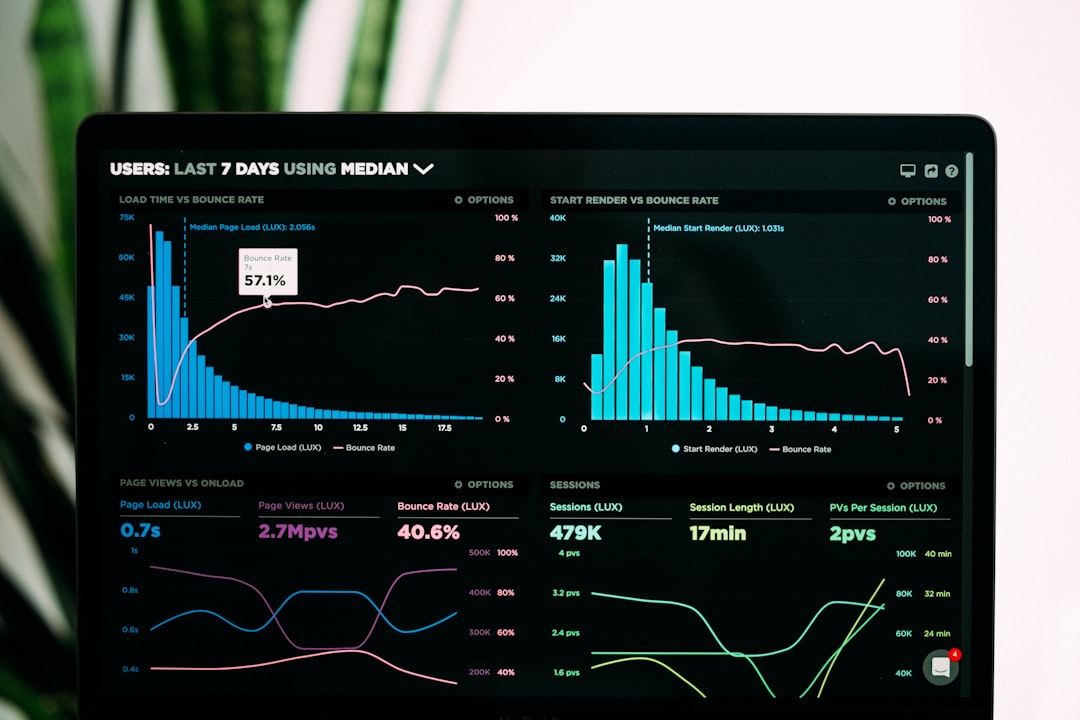
Technical and on-page SEO issues can silently erode search visibility, suppress rankings, and limit organic growth. Even well-designed websites often struggle with crawl inefficiencies, duplicate content, slow load times, or poorly optimized metadata. A modern SEO audit platform does more than flag errors—it uncovers structural weaknesses, prioritizes fixes, and provides actionable recommendations. Choosing the right tool can significantly reduce the time it takes to diagnose and resolve critical issues.
TL;DR: Technical and on-page SEO errors directly affect rankings, crawlability, and user experience. The seven platforms reviewed below stand out for speed, accuracy, and depth of analysis. From enterprise-grade crawlers to streamlined SaaS dashboards, each tool uncovers issues like broken links, duplicate content, missing metadata, and Core Web Vitals concerns. A comparison chart is included to help you determine which solution best matches your needs.
Below are seven SEO audit platforms that consistently deliver fast, reliable insights for technical and on-page optimization.
Contents
1. Screaming Frog SEO Spider
Best for in-depth technical crawling and advanced users.
Screaming Frog remains one of the most trusted desktop crawlers in the SEO industry. It simulates how search engine bots crawl a website, identifying issues at scale. For large sites, this level of precision is invaluable.
Key strengths:
- Comprehensive crawl diagnostics
- Identification of duplicate content and metadata
- Custom extraction and advanced filtering
- Integration with Google Analytics and Search Console
The tool excels at identifying redirect chains, broken internal links, incorrect canonicals, and noindex directives. Its reporting flexibility allows experienced SEO professionals to segment and prioritize issues efficiently.

While it has a steeper learning curve than SaaS solutions, it remains unmatched for granular control and on-site technical investigation.
2. Ahrefs Site Audit
Best for integrated backlink and on-page analysis.
Ahrefs Site Audit blends technical SEO auditing with one of the most powerful backlink databases available. This combined view gives users insight into how technical health and link equity interact.
Highlights include:
- Clear site health scoring
- Prioritized issue tracking
- Internal linking opportunities
- JavaScript rendering support
Its visual reports simplify complex data, making it easier for stakeholders to understand issues. Ahrefs also clusters problems by importance, allowing teams to focus on high-impact fixes first.
3. SEMrush Site Audit
Best for agencies and multi-project environments.
SEMrush offers a balanced mix of technical auditing and content-level diagnostics. It scans websites for over 140 technical and on-page SEO issues, categorizing them by errors, warnings, and notices.
Notable features:
- Core Web Vitals monitoring
- HTTPS implementation analysis
- Crawlability and indexability checks
- Structured data validation
Its cloud-based infrastructure handles large domains quickly. Agencies often favor SEMrush due to white-label reporting and campaign tracking capabilities.

4. Sitebulb
Best for visual reporting and actionable recommendations.
Sitebulb presents technical insights in an intuitive, visual format. It doesn’t just tell you what’s wrong—it explains why it matters and how to fix it.
Core advantages:
- Visual crawl maps and internal link diagrams
- Detailed page-level analysis
- Clear prioritization scoring
- Mobile vs desktop audit comparisons
The tool is particularly effective for diagnosing site architecture inefficiencies. Its visualizations help uncover orphaned pages and poor internal linking structures that impede authority flow.
5. DeepCrawl (Lumar)
Best for enterprise-level websites.
Now operating as Lumar, DeepCrawl focuses on high-scale technical auditing designed for complex, enterprise websites. It handles millions of URLs and integrates into DevOps workflows.
Standout capabilities:
- Advanced crawl segmentation
- Automated monitoring and alerts
- Log file analysis integration
- Scalable cloud crawling
For organizations managing multilingual or highly dynamic sites, this level of depth is essential. It reveals indexation discrepancies and server-side crawl inefficiencies that smaller tools may miss.
6. Moz Pro Site Crawl
Best for straightforward auditing with guided workflows.
Moz Pro offers an accessible, user-friendly audit environment. While it may not match enterprise crawlers in scale, it provides dependable technical analysis and easy-to-interpret reporting.
Strengths include:
- Automatic weekly site crawls
- Domain authority integration
- Page optimization recommendations
- Clean visual dashboards
Moz works well for small to mid-sized businesses looking to maintain technical health without needing highly advanced configurations.
7. Google Search Console
Best free solution directly from Google.
Although not a traditional crawler, Google Search Console (GSC) is a foundational audit platform. It provides data directly from Google’s indexing systems.
Essential capabilities:
- Index coverage reports
- Core Web Vitals insights
- Mobile usability diagnostics
- Manual action notifications
GSC identifies real-world indexing limitations rather than simulated crawl data. When combined with another crawling platform, it creates a powerful cross-reference for validation.

Comparison Chart: 7 SEO Audit Platforms
| Platform | Best For | Technical Depth | Ease of Use | Enterprise Scalability | Free Option |
|---|---|---|---|---|---|
| Screaming Frog | Advanced technical audits | Very High | Moderate | Limited (Desktop based) | Limited free version |
| Ahrefs | Integrated SEO analysis | High | High | Strong | No |
| SEMrush | Agencies | High | High | Strong | Limited trial |
| Sitebulb | Visual reporting | High | High | Moderate | Trial available |
| Lumar | Enterprise sites | Very High | Moderate | Excellent | No |
| Moz Pro | SMBs | Moderate | Very High | Moderate | Trial available |
| Google Search Console | Index validation | Moderate | High | Excellent | Yes |
What to Look for in an SEO Audit Platform
When selecting an audit tool, prioritize features that align with your operational needs and website complexity.
Essential criteria include:
- Crawl accuracy and rendering capabilities
- Clear issue prioritization
- Integration with analytics platforms
- Scalability for site growth
- Exportable, stakeholder-friendly reporting
It is also important to evaluate how the platform handles JavaScript-rendered content and large-scale site architecture. As search engines continue to evolve, modern rendering support is no longer optional.
Why Fast Issue Detection Matters
SEO problems compound quickly. Broken internal links disrupt crawl paths. Duplicate metadata dilutes ranking signals. Slow-loading pages negatively affect both search visibility and user engagement.
Rapid identification leads to:
- Improved crawl efficiency
- Stronger indexation
- Higher organic traffic consistency
- Better user experience signals
Organizations that conduct routine audits often prevent revenue loss tied to unnoticed technical degradation. The faster issues are identified, the less impact they have on keyword rankings and conversions.
Final Thoughts
No single SEO audit platform fits every scenario. Desktop crawlers like Screaming Frog offer unmatched granular control, while enterprise-grade solutions such as Lumar provide scalability for massive ecosystems. SaaS platforms like Ahrefs and SEMrush strike a balance between accessibility and depth.
For most organizations, the optimal approach is layered: combine Google Search Console for real-world indexing data with a dedicated crawler to detect structural weaknesses. This dual perspective reveals not only what search engines report—but what they may struggle to discover.
Technical and on-page optimization remains foundational to sustainable organic growth. The platforms discussed above consistently surface issues fast, explain their impact clearly, and support decisive corrective action. Selecting the right one can mean the difference between reactive troubleshooting and proactive search performance management.