
Fitness apps are everywhere. Runners track splits. Cyclists chase segments. Swimmers log laps. Much of this magic happens behind the scenes with APIs. If you love the Strava API but want more options, you are in luck. There are several powerful fitness API tools that can help you build smart, connected, and engaging fitness apps.
TLDR: The Strava API is popular, but it is not your only choice. Tools like Garmin Health, Fitbit Web API, MapMyFitness API, TrainingPeaks API, and Apple HealthKit offer powerful integration options. Each one has unique strengths, from deep health data to coaching insights. The best choice depends on your app’s audience and features.
Let’s break it down in simple terms. We will explore five fitness API tools like Strava. We will look at what they do best. And we will help you decide which one fits your app idea.
Contents
1. Garmin Health API
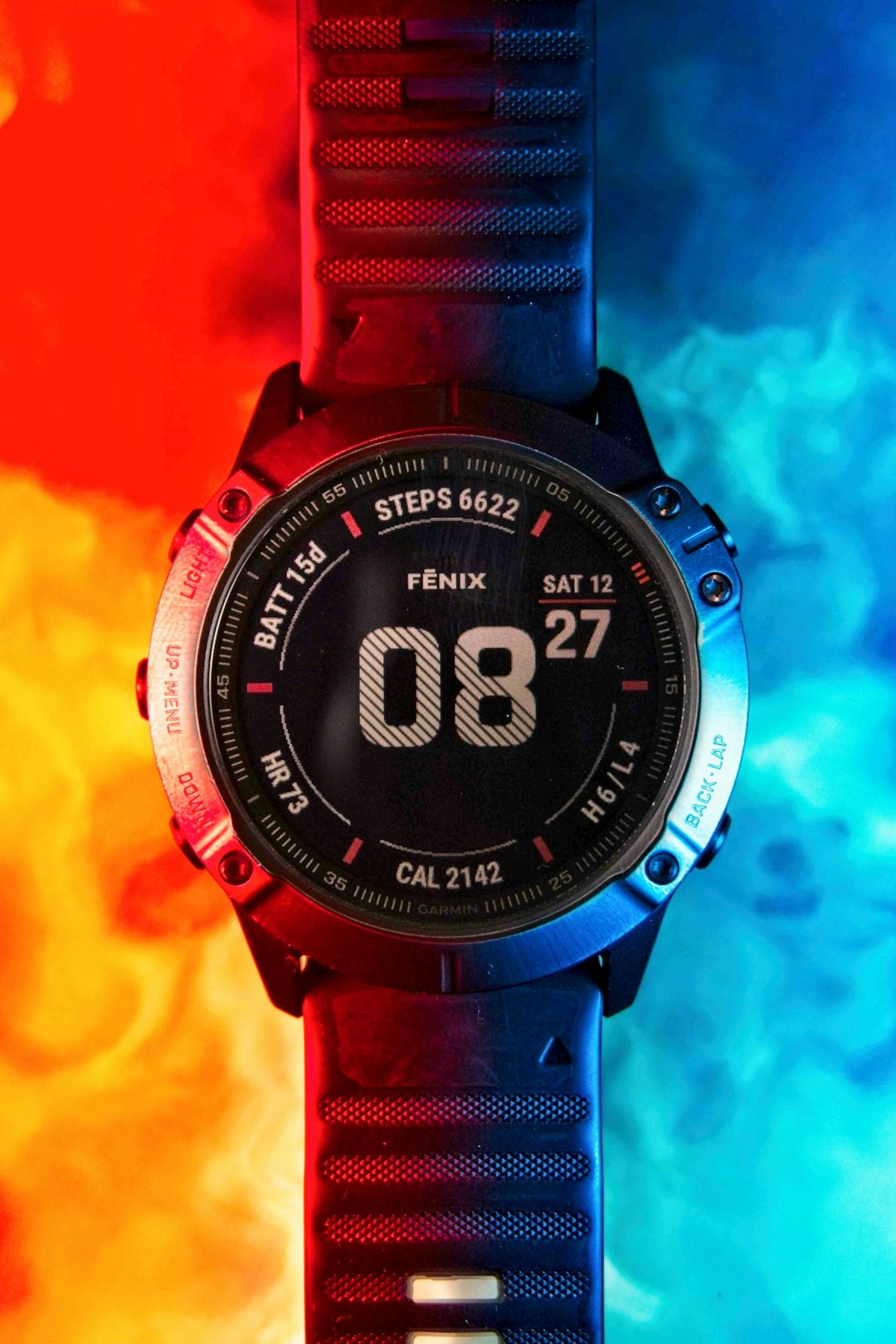
Garmin is a giant in the fitness world. Runners, cyclists, hikers, and even pilots use Garmin devices. The Garmin Health API gives developers access to rich data collected from Garmin wearables.
With this API, you can access:
- Heart rate data
- Steps and activity tracking
- Sleep metrics
- Stress levels
- GPS activities
This makes it great for serious fitness apps. Especially apps focused on performance and health insights.
One big advantage is data accuracy. Garmin devices are known for reliable GPS and heart rate tracking. That means your app gets high-quality input.
However, Garmin Health is more business-focused. It is often used in enterprise wellness programs or research projects. Access may require approval and partnership agreements.
If your audience includes dedicated athletes or corporate wellness programs, Garmin is a strong pick.
2. Fitbit Web API
Fitbit is friendly. It is approachable. And it is widely used.
The Fitbit Web API allows developers to pull user fitness and health data into their apps. This includes:
- Daily activity stats
- Calories burned
- Sleep tracking
- Weight logs
- Heart rate trends
Fitbit also supports OAuth 2.0. That means secure user authentication. Users can grant permission for your app to access their data safely.
Fitbit is ideal for lifestyle and wellness apps. Think habit trackers. Nutrition apps. Mental health dashboards.
It is not just about hardcore training. It is about overall well-being.
Another bonus is Fitbit’s large user base. Many people already wear a Fitbit device. That makes adoption easier.
If your goal is to build a friendly fitness companion app, Fitbit is a great alternative to Strava.
3. MapMyFitness API (Under Armour)
MapMyFitness has been around for years. It includes apps like MapMyRun and MapMyRide. These apps focus heavily on route tracking and workout logging.
The MapMyFitness API gives developers access to:
- Workout routes
- Distance and pace data
- Workout history
- User profiles
Sound familiar? Yes. It is very similar to Strava in many ways.
This API is perfect for apps that center around outdoor workouts. Running. Cycling. Walking. Hiking.
It shines when maps are important. If your app includes route suggestions or local challenges, this API can help power that experience.
It may not be as socially competitive as Strava. But it is solid and reliable for activity tracking integrations.

4. TrainingPeaks API
TrainingPeaks is for serious athletes. And we mean serious.
Coaches and competitive athletes love this platform. It focuses on structured training and performance metrics.
The TrainingPeaks API provides access to:
- Detailed workout plans
- Training stress scores
- Power meter data
- Performance management charts
- Coaching feedback
This API is more advanced. It is less about casual joggers. It is more about triathletes and marathon runners.
If your app connects athletes with coaches, this is a strong choice. You can sync training plans automatically. You can track compliance. You can analyze performance trends.
It pairs well with high-performance wearables and bike computers.
Compared to Strava, TrainingPeaks is less social. But it is deeper in analytics.
5. Apple HealthKit
Apple HealthKit is powerful. Especially if you are building for iOS users.
HealthKit is not just a fitness tracker. It is a health data hub.
With proper permissions, you can access:
- Step count
- Heart rate
- Blood oxygen levels
- Nutrition data
- Mindfulness minutes
- Workout sessions
HealthKit gathers data from multiple sources. Apple Watch. Third-party apps. Medical devices.
This means your app can become part of a larger health ecosystem.
Privacy is a major focus. Apple requires clear consent. Users control what data is shared.
If you are building an iPhone-only fitness app, HealthKit is almost essential. It plays well with other apps and creates seamless integration across the device.

Comparison Chart
Here is a simple side-by-side comparison to help you choose.
| API Tool | Best For | Data Depth | Social Features | Platform Focus |
|---|---|---|---|---|
| Garmin Health | Enterprise wellness, serious athletes | Very High | Low | Garmin devices |
| Fitbit Web API | Lifestyle and wellness apps | High | Moderate | Fitbit devices |
| MapMyFitness API | Route tracking apps | Moderate | Moderate | iOS, Android |
| TrainingPeaks API | Coaching and pro training | Very High | Low | Multi device integration |
| Apple HealthKit | iOS health ecosystems | High | Low | iOS only |
How to Choose the Right Fitness API
Choosing the right API depends on your app’s mission.
Ask yourself a few simple questions:
- Is my app for casual users or elite athletes?
- Do I need deep performance analytics?
- Is social competition important?
- Which devices will my users have?
- Do I need cross-platform support?
If you want competition and community vibes, something similar to Strava or MapMyFitness may work best.
If you want advanced coaching tools, go with TrainingPeaks.
If you care about broad health tracking, Fitbit or Apple HealthKit are strong options.
If your focus is accuracy and performance metrics from wearables, Garmin Health stands out.
Common Features to Look For
Not all fitness APIs are created equal. When comparing tools, look for:
- Authentication: Does it support secure OAuth login?
- Rate limits: How many API calls can you make?
- Webhooks: Does it support real-time data updates?
- Data ownership: Who controls the user data?
- Documentation: Is it clear and developer-friendly?
Good documentation can save weeks of development time. Make sure the API you choose has guides, examples, and support channels.
Final Thoughts
Strava may be one of the most famous fitness APIs. But it is far from the only option.
Garmin offers precision. Fitbit delivers lifestyle insights. MapMyFitness focuses on routes. TrainingPeaks dominates performance training. Apple HealthKit connects everything inside the iOS world.
The best tool depends on your audience. And your goals.
Start with your users. Understand what they track. Understand why they train. Then choose the API that helps you support that journey.
Fitness is personal. Your app should be too.
With the right API integration, you can build something powerful. Something motivating. Maybe even something that changes lives.